34
English
Tuner Operations
IMPORTANT!
– Make sure the FM and AM
antennas are connected.
– The TUNING button on the front
panel is used to toggle between
frequency tuning and preset tuning.
When in preset tuning, “
PRESET”
appears on the display panel and
S / T buttons on the front
panel are used for preset number
selection. Otherwise, pressing
S / Twill change the radio
frequency.
Tuning to radio stations
1 Press TUNER on the remote (or adjust
SOURCE control on front panel) to
select “FM TUNER” or “AM TUNER.”
2 Press and hold S / T on the
remote until the frequency indication
starts to change, then release.
➜ The next radio station will tune
automatically.
➜
lights up for FM stereo reception.
3 To tune a weak station, press S / T
briefly and repeatedly until an optimal
reception is found.
● If you use S / T on the front panel
for frequency tuning, make sure the
system is in frequency tuning mode.
If not, press TUNING.
➜
PRESET will disappear from the display
panel.
Presetting radio stations
You can store up to 40 preset radio
stations in the memory, starting from FM
and followed by AM bands.
Helpful Hints:
– The system will exit presetting mode if no
button is pressed within 20 seconds.
– If no stereo frequency is detected during
Plug and Play, "CHECK ANTENNA"
appears.
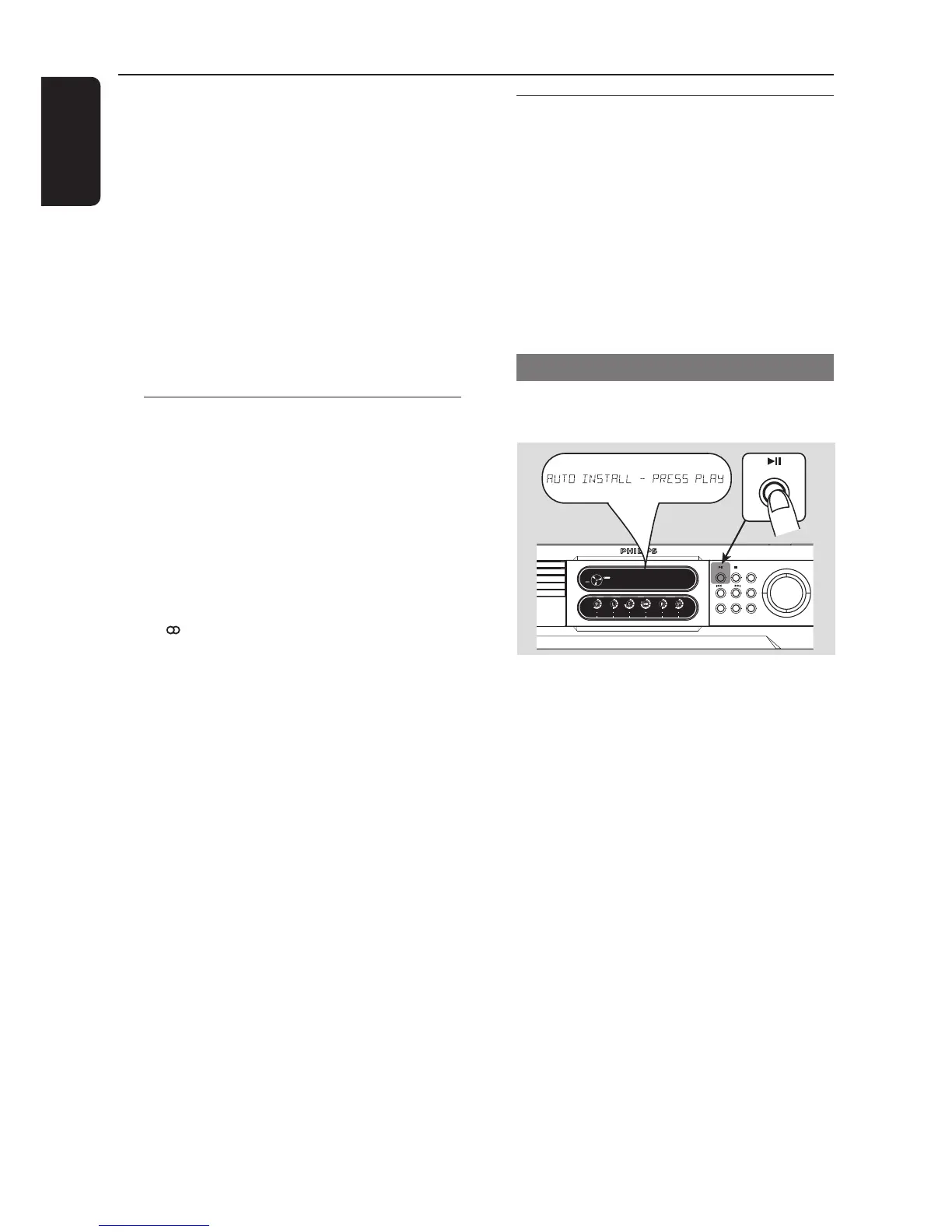
Using the Plug and Play
Plug and Play allows you to store all
available radio stations automatically.
1 Connect the system to the power supply,
"AUTO INSTALL – PRESS PLAY"
appears.
OR
In Eco Power standby/standby mode,
press and hold ÉÅ on the front panel
until "AUTO INSTALL – PRESS PLAY"
appears.
2 Press ÉÅ on the front panel to start
installation.
➜ "INSTALL TUNER" appears.
➜ All previously stored radio stations will
be replaced.
➜ Once completed, the last tuned radio
station will play.



 To Next Page