16 EN
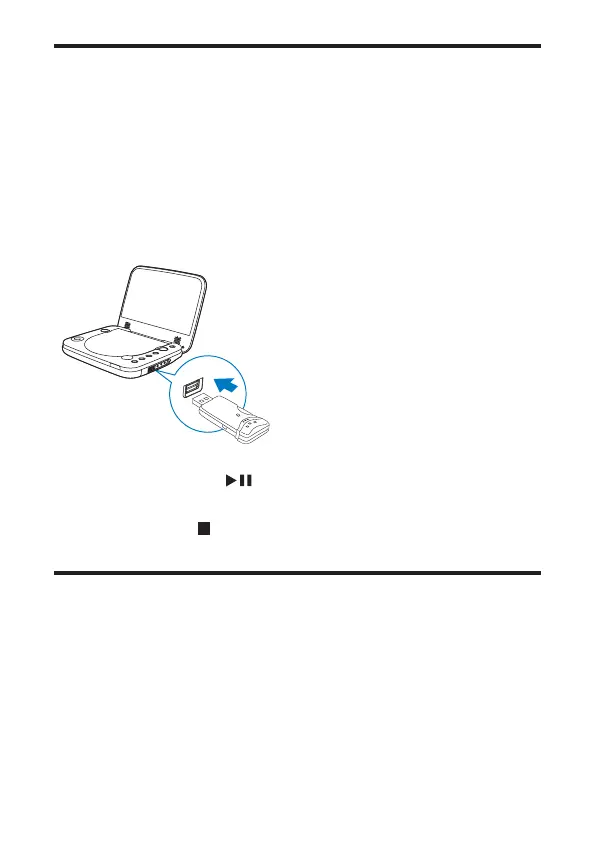
Play from USB
<RXFDQSOD\'LY;92%03RU-3(*ÀOHVWKDWDUHVWRUHGRQD86%VWRUDJH
device.
1 Press OPTIONS and select [Source] (source).
2 Select [USB] from the menu to choose USB mode.
3 Connect the USB device to the player.
» The content menu is displayed.
4 6HOHFWDÀOHWKHQSUHVV /OK.
» Play starts.
5 To stop play, press .
Play options
1
During play, press OPTIONS to select some play options.
2 Follow the on-screen instructions.



 To Next Page