15
Connect additional equipment
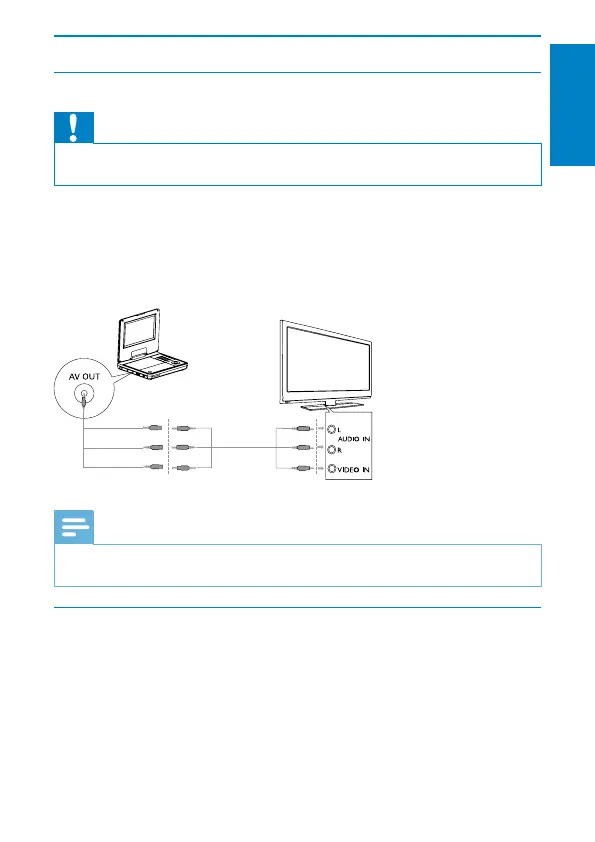
Connect a TV
Caution
Turn off your player before connecting to any additional equipment. •
YoucanconnecttheplayertoaTVoranampliertoenjoyDVDs.
Match the color of the AV cables (the AV cable connected to the TV is not
supplied) with the jacks:
the yellow cable is for the yellow video jack.•
the red/white cable is for the red/white audio jacks.•
Note
You cannot output the TV content from the player to a TV. •
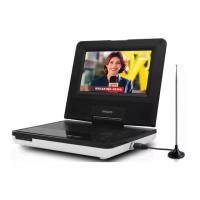
Connect TV antenna
You can connect your player to the supplied antenna or home antenna to
receive digital TV program.
1 Connect the antenna to the ANTENNA jack.
English
EN
not supplied


 To Next Page