21
5 Watch TV
Note
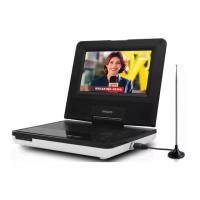
Before you start, ensure that you have connected the antenna to the player. •
Makesureyouareinanareawithsufcientsignalcoverage.Youcancheckthesignal •
coverage with the TV broadcast authority of your country or visit www.philips.com/
support.
Set up your TV
1 Press SOURCE to select TV mode.
2 Press MENU.
The TV menu is displayed. »
3 Press / to switch to an item.
4 Press / to select an option.
5 Press to switch to [Auto Search], and press to start.
Auto search starts. »
All available TV channels will be searched and stored. »
To watch another channel, press • CH+/CH-.
To delete a channel, switch to the channel, and select • [TV
Menu] > [Del. Channel].
Tip
Check with local TV broadcast authorities for TV system and TV sound •
congurations.
English
EN


 To Next Page