9EN
Charge power
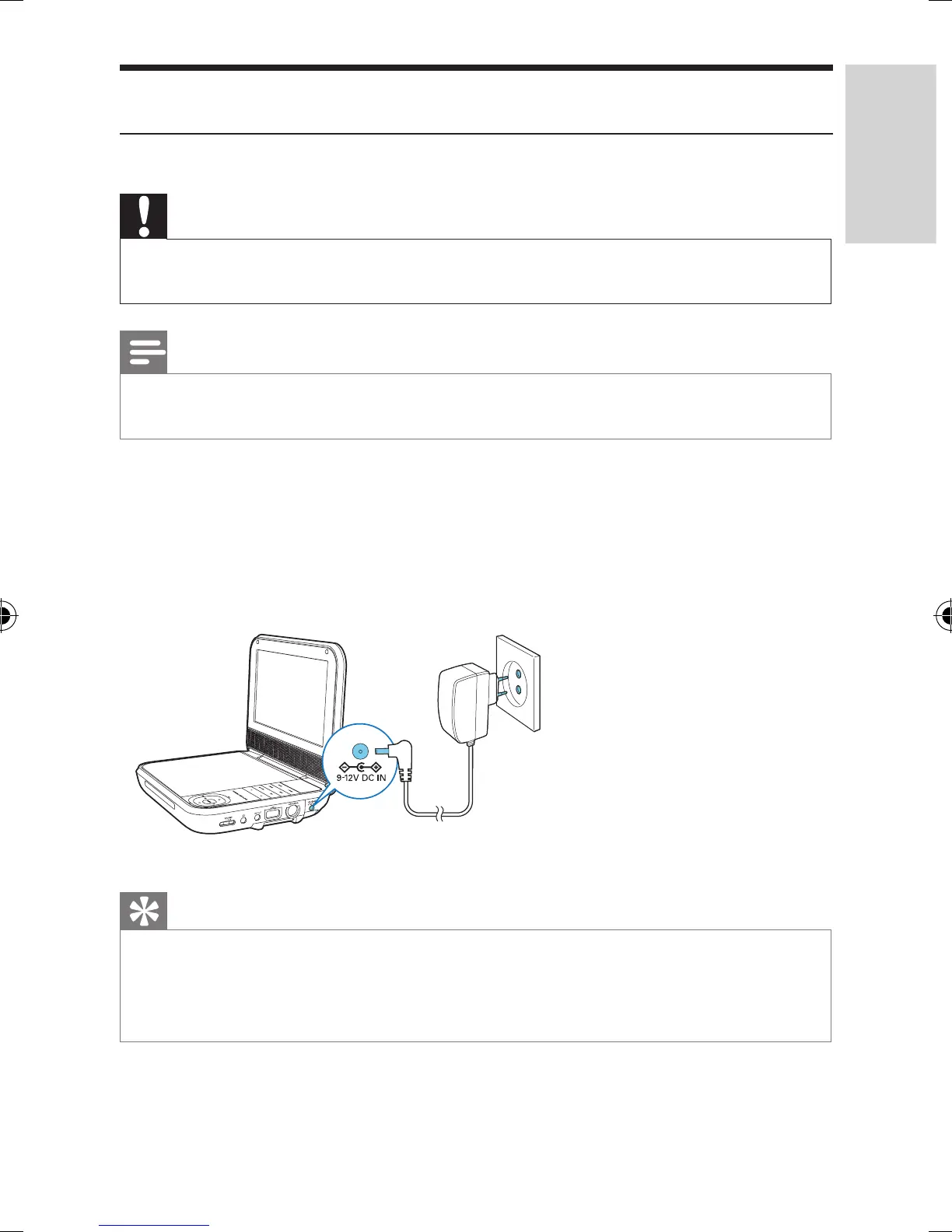
Charge through the AC power adaptor
Caution
• Risk of product damage! Ensure that the power supply voltage corresponds to the
voltage printed on the bottom of the player.
Note
• The type plate is located on the bottom of the player.
• You can only charge the player when it is in power-off mode.
1 Press POWER to switch off the player.
2 Connect the supplied AC adaptor to the player and to the AC outlet.
» The charging indicator turns red.
» When the battery is fully charged, the charging indicator turns off.
Tip
• To maximize battery life, recharge the battery immediately once the battery is fully
discharged. If you do not use the player for a long time, recharge the battery once every
two months.
• When the player is not in use, it takes about 8 hours to fully charge it.
PD7025_12_UM_V1.0.indb 9 1/6/2015 6:03:53 PM



 To Next Page