16 EN
4 Watch TV
Note
• Before you start, ensure that you have connected the antenna to the player.
• Make sure that you are in an area with sufcient DVB-T signal coverage. You can check
the signal coverage with the TV broadcast authority of your country.
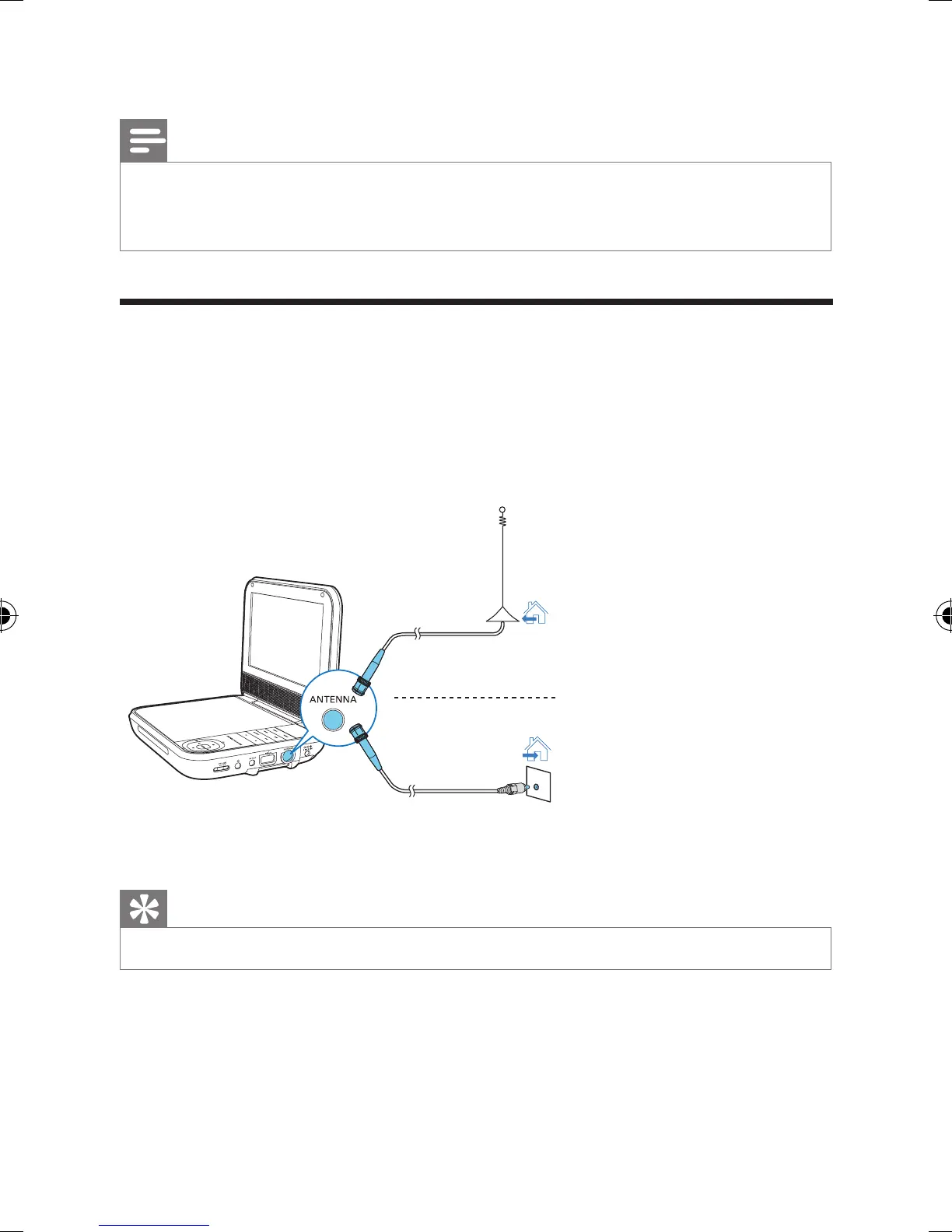
Connect TV antenna
To watch digital TV programs on the player, connect one of the TV antennas to the
player:
• the supplied antenna, or
• your home antenna (not supplied).
1 Connect the antenna to the ANTENNA jack.
Tip
• For better reception, connect the player to your home antenna.
Cable
PD7025_12_UM_V1.0.indb 16 1/6/2015 6:03:56 PM



 To Next Page