15
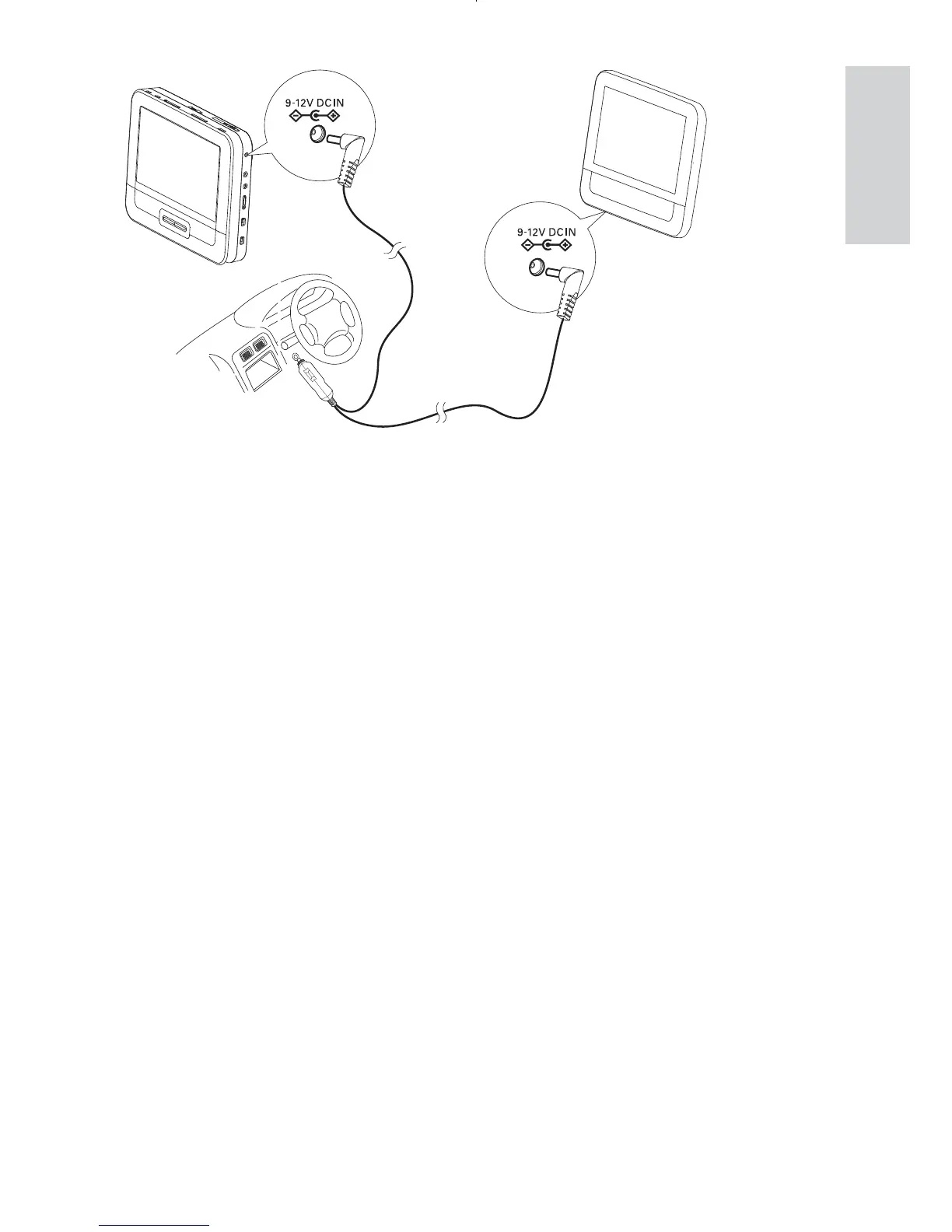
A: main unit; B: second screen; C: car cigarette lighter
1 Connect one end of the double-connector end of the AC cable to
the DC IN jack on the main unit.
2 Connect the other end of the double-connector end of the AC cable
to the DC IN jack on the second screen.
3 Connect the one-connector end to the car cigarette lighter socket.
A
B
C
English
EN



 To Next Page