19
6 Use more of your player
Play games
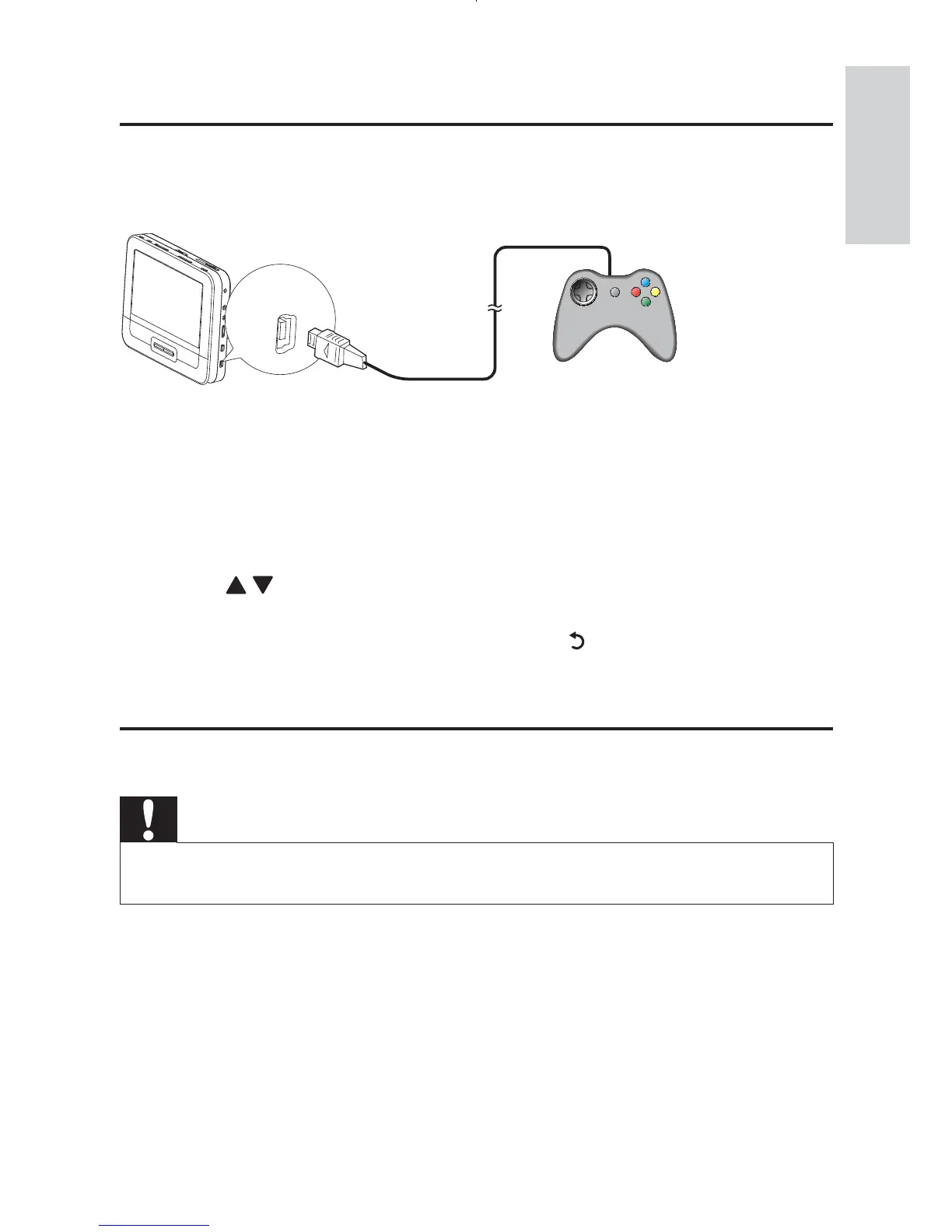
You can connect the supplied game pads to the player to play games.
1 Connect the game pad to GAME 1P.
For two-player games, connect the other game pad to • GAME
2P.
2 Load the supplied game disc into the player.
The game list is displayed. »
3 Press / on the game pad of GAME 1P to select a game and press
the red button on this game pad to start playing.
To return to the game list, press the • button on the game pad
of GAME 1P .
Connect additional equipment
Caution
Turn off your player before connecting to any additional equipment. •
You can connect the player to a TV or an amplifier to enjoy DVDs or
Karaoke.
GAME 1P
English
EN



 To Next Page