14 EN
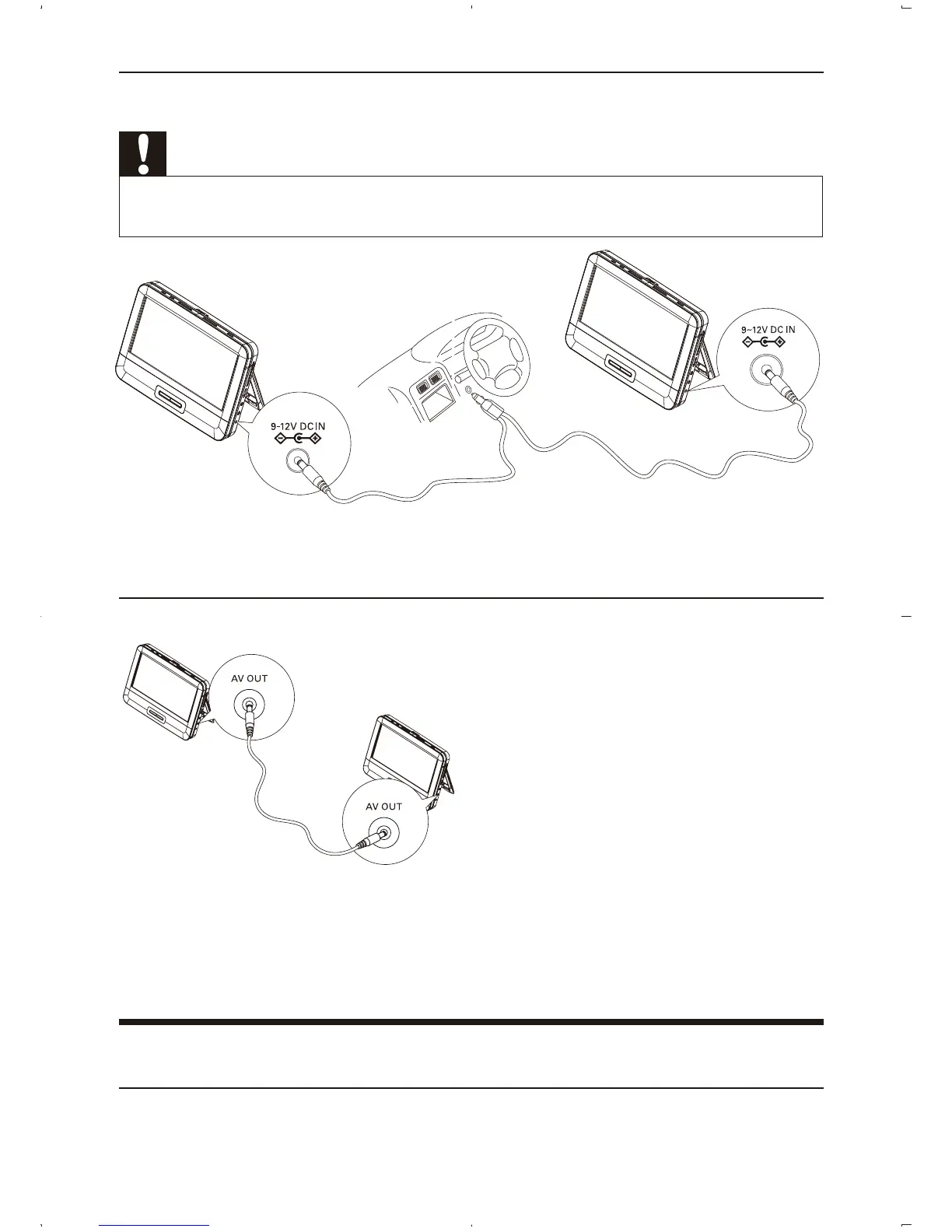
Connect car adatpr
Caution
Risk of product damage! Ensure that the power supply voltage corresponds to the voltage pointed
on the back or the underside of the player.
1 Connect the supplied car adaptor to the DC IN jack on the player.
2 Connect the other end of the car adaptor to the car cigarette lighter socket.
Connect a player as dual screen
1 Connect the supplied AV cable to the AV OUT jacks on the players.
2 Slide DVD/AV IN switch on the player which is to be used as dual screen
to AV IN.
» The two players play the same content.
Use at home or outdoor
Connect power from household source



 To Next Page