15EN
Caution
isk of product damage. Ensure that the power supply voltage corresponds to the voltage printed on
the bottom of the player.
Risk of electric shock! When you unplug the AC adaptor, always pull the plug from the socket.
Never pull the cable.
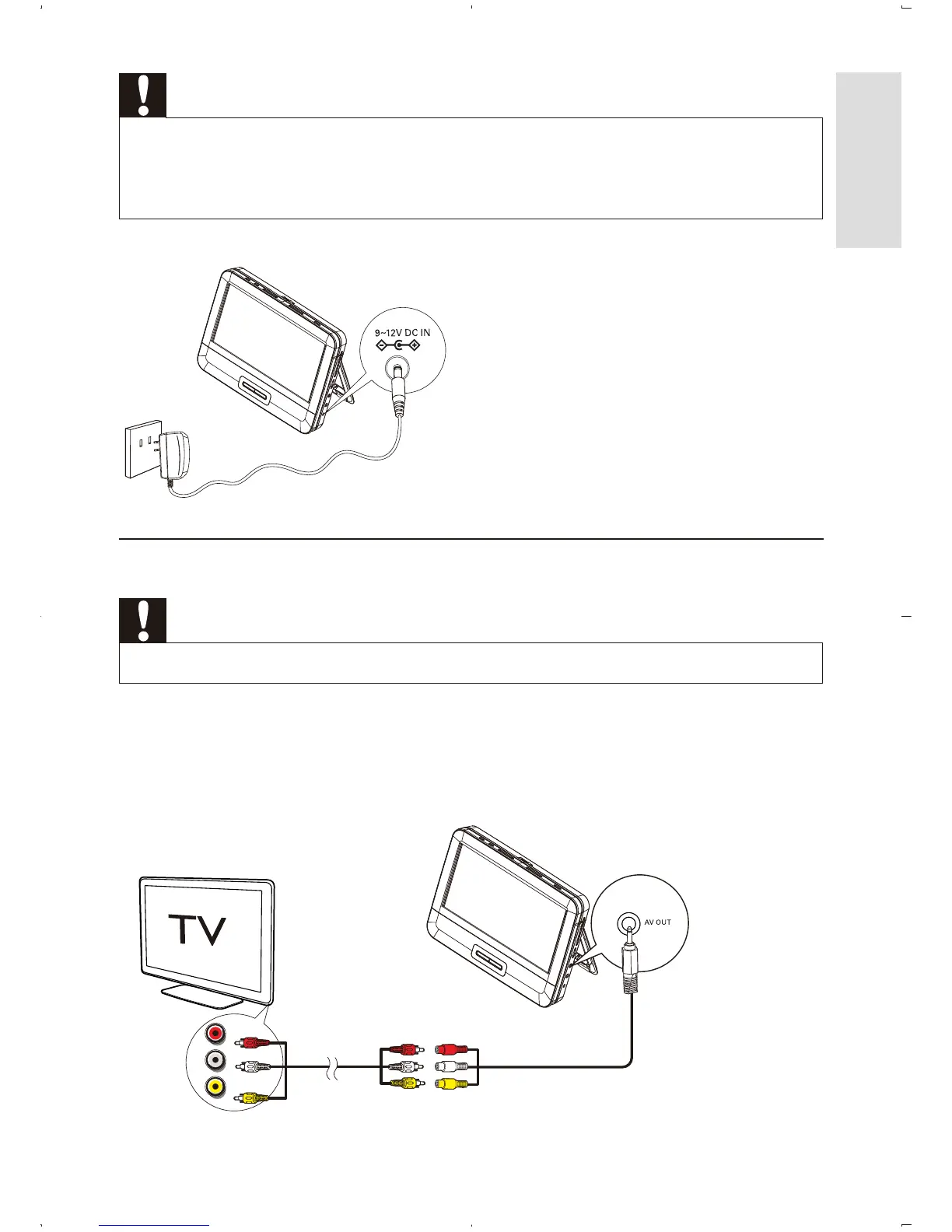
Connect the supplied AC adaptor to the player and to the AC outlet.
Connect to TV
Caution
Turn off your player before connecting to any additional equipment.
Match the color of the AV cables (the AV cable connected to TV is not supplied)
with the jacks: the yellow cable is for the yellow video jack, the red/white cable is
for the red/white audio jacks.
L
R
VIDEO IN
English



 To Next Page