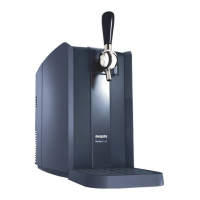
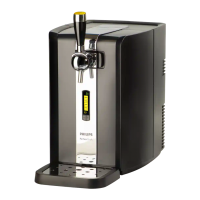
HD3610/50
4-12
REPAIR INSTRUCTIONS
Service testroutines
- This appliance has been equipped with special service routines to be able to check several functions of the appliance.
- Below the necessary steps will be described to enter into the service mode.
- Please follow the instructions carefully to avoid damaging the electronic circuit of the appliance.
Putting the appliance into Service test mode.
1. Disconnect the appliance from mains.
2. Remove the KEG (if placed)
3. Keep the KEG present switch pressed and connect the appliance to the mains.
4. After powering up release the KEG present switch within 2 sec.
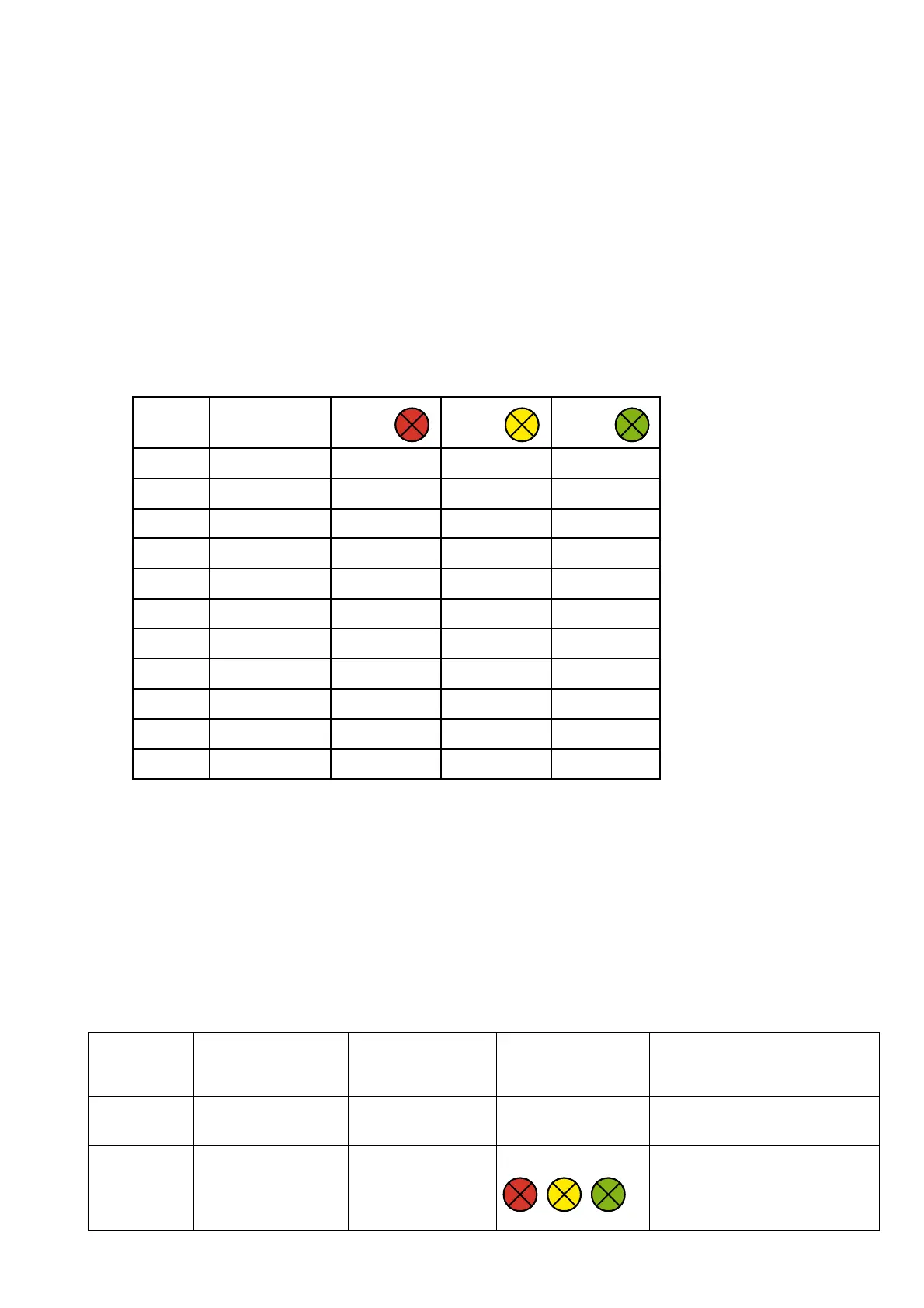
5. If above steps succeeded the appliance will show the current software version by means of a combination of the Red/Orange/
Green LED. (see table Software indication below how the software version can be read.)
Soft ware
version
Indication Year
week code
Red Yellow Green
1.0 A OFF OFF ON
1.1 A OFF ON OFF
1.2 A OFF ON ON
1.3 A ON OFF OFF
1.4 A ON OFF ON
1.5 A ON ON OFF
1.6 A ON ON ON
2.0 B OFF OFF ON
2.1 B OFF ON OFF
2.2 B OFF ON ON
Etc.
Stepping through the Service mode.
- Now the service mode is entered it is possible by pressing and releasing the KEG present switch to step through the service
routines.
- The list below shows all the possible Service Modes.
- After step mode 9, the routine jumps back to step mode 0.
- Exit the routine by unplugging the appliance.
Note:
For step mode 4 - 5 the KEG present switch must kept pressed other wise the Fan will not work!
Stepmode
(Press & release
KEG switch)
Test Stimulus Response Remark
0 Show software version Shows software version
by means of the LED’s.
See table software indication.
1 LED test All LED’s are lit.






 To Next Page