5.0 TROUBLESHOOTING & SERVICE TIPS
Procedure to change regioncode
1. Power on player and open DVD Door.
2. Press <Set Up> at Remote Control. In <Set Up Menu> select <Preferences> then press <OK>.
3. For PET708 - Press successively 2 1 2 2 2 5. . .
4. Display will show <Region Code 2> for Europe:
5. Press key to input preference region code (see below table).
6. Switch off and re-switch on the product.
Verify Region code change done.7.
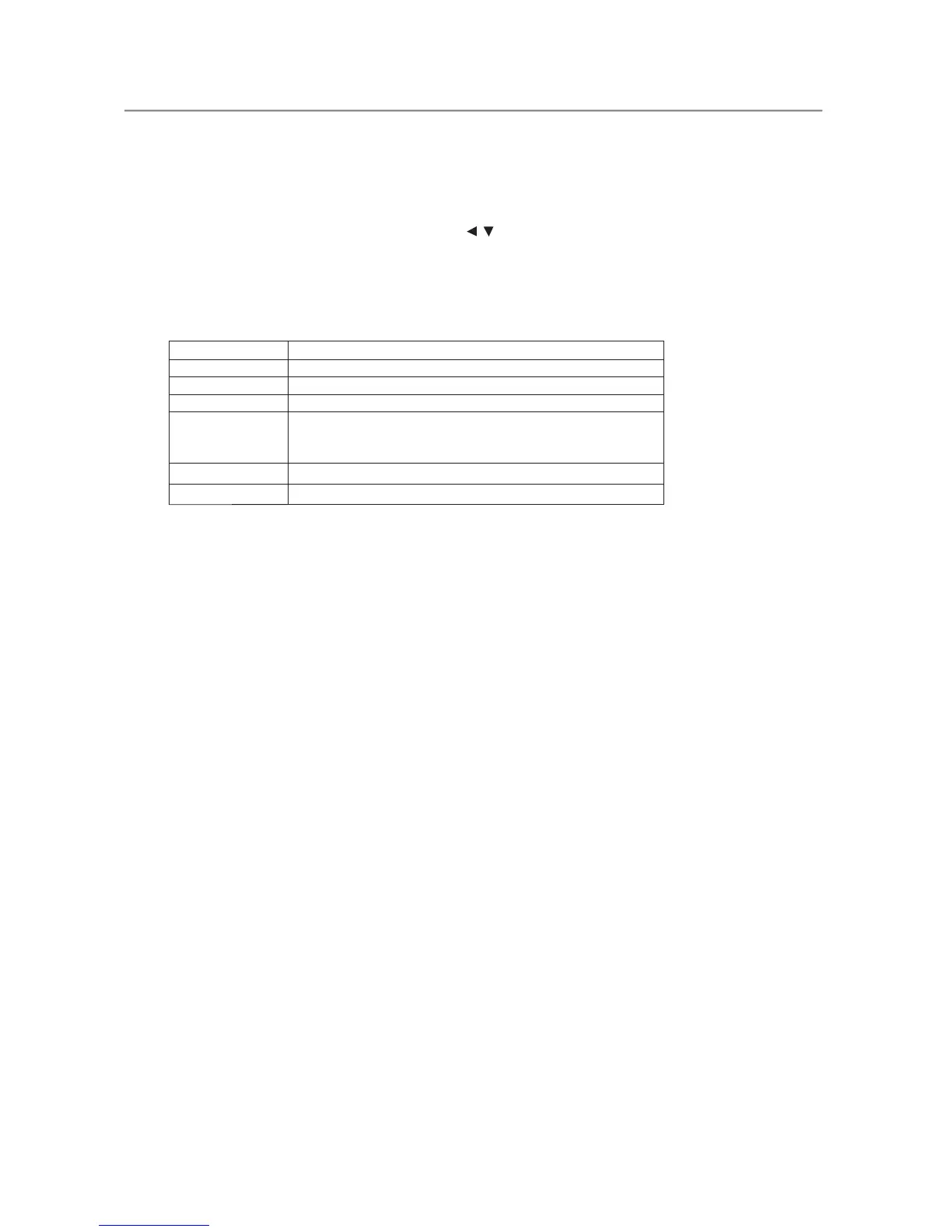
Region Code Region
1 USA
2 EUROPE
3 ASIA PACIFIC
4
AUSTRALIA,
NEW ZEALAND,
LATAM
5
RUSSIA, INDIA
6
CHINA
REMARKS:
1. Password is CONFIDENTIAL.
2. Region code is printed on product type plate. Due to DVD legislation region codes
different to assigned region may not be released.



 To Next Page