17
Select audio mode
When you play VCDs, you can select an audio mode.
Press • AUDIO repeatedly to select audio channel: [L/R], [L/L], or [R/R].
Rotate pictures
For JPEG CDs only. While the JPEG is displayed:
Press •
/ to rotate anti-clockwise/clockwise.
Play from SD card
1
Insert an SD card into the SD card slot.
2
Press SOURCE.
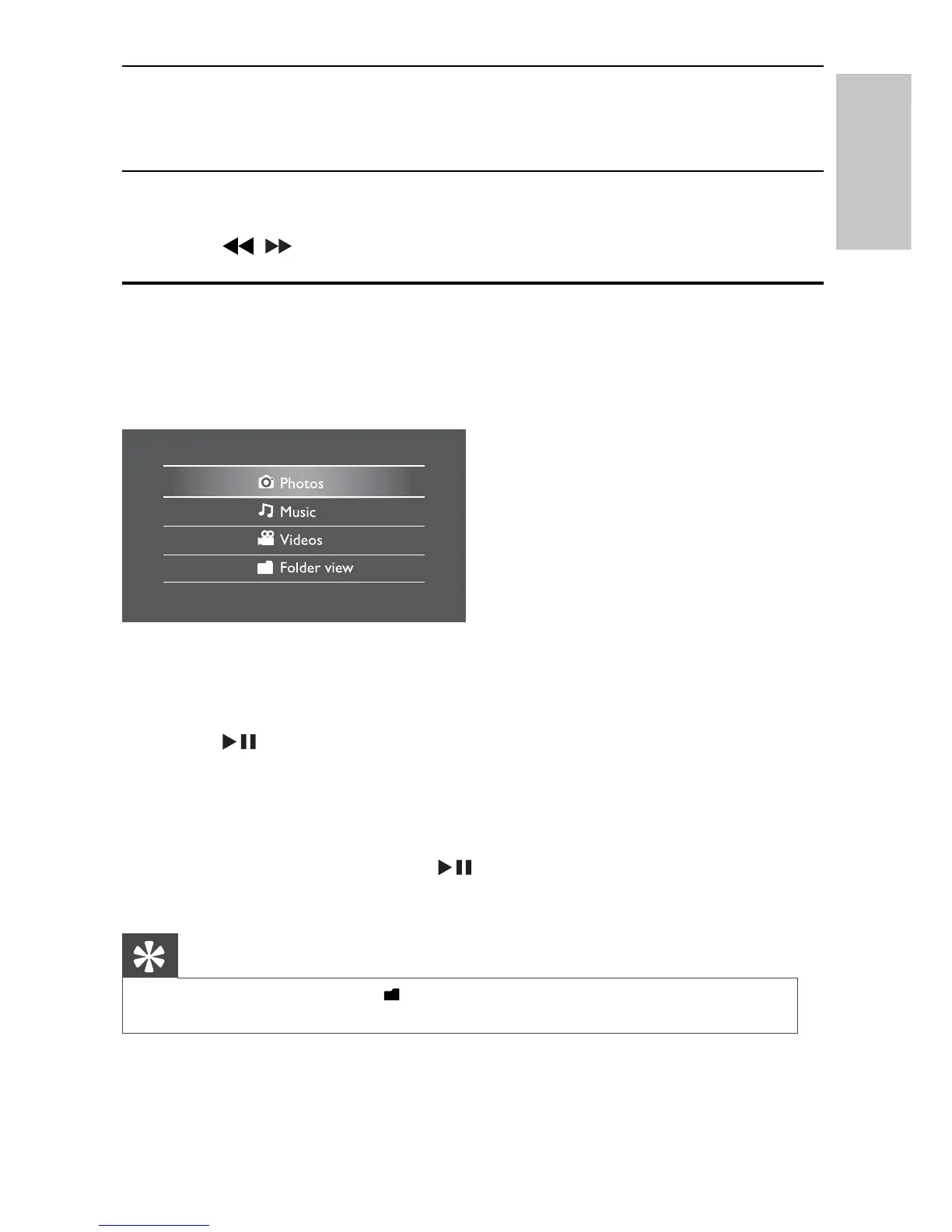
The home menu appears.
»
To view photos:
1
Select [Photos] from the home menu.
Thumbnail previews of the photos stored in the card are displayed.
»
2
Press /OK.
A slideshow of the stored photos starts from the photo selected.
»
To listen to music or view videos:
1
Select [Music]/[Videos] from the home menu.
2
Select a folder/fi le, then press /OK.
The fi le is played.
»
Tip
Alternatively, you can select
•
from the main menu and fi nd your fi les in folder
view.
English
EN



 To Next Page