
 To Next Page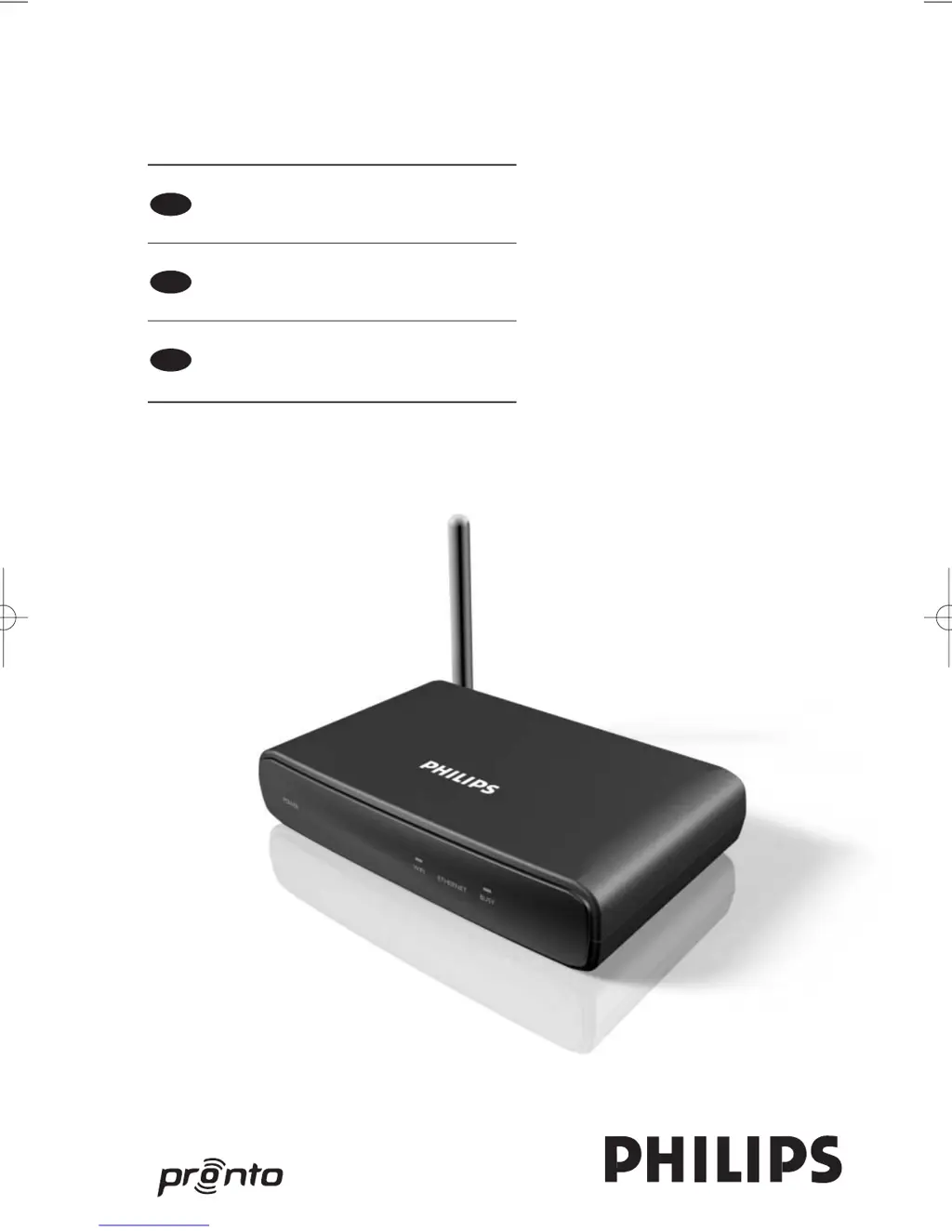

C
Cassandra NicholsonAug 11, 2025
What to do if my Philips Network Router extender cannot communicate with the wireless network?
- Ddeanna91Aug 11, 2025
If your Philips Network Router extender cannot communicate with the wireless network, and the WiFi LED is red, ensure the extender is within range of the Wireless Access Point. Also, verify that you have entered the correct secret in the Configuration Tool. Consider adding the extender’s MAC address to the router’s list of accepted MAC addresses. If the WiFi LED is blinking red, check the router’s network settings to ensure compatibility with the extender. If the LED continues blinking, try unplugging the power adapter, waiting a few seconds, and then plugging it back in.
 General