10
English
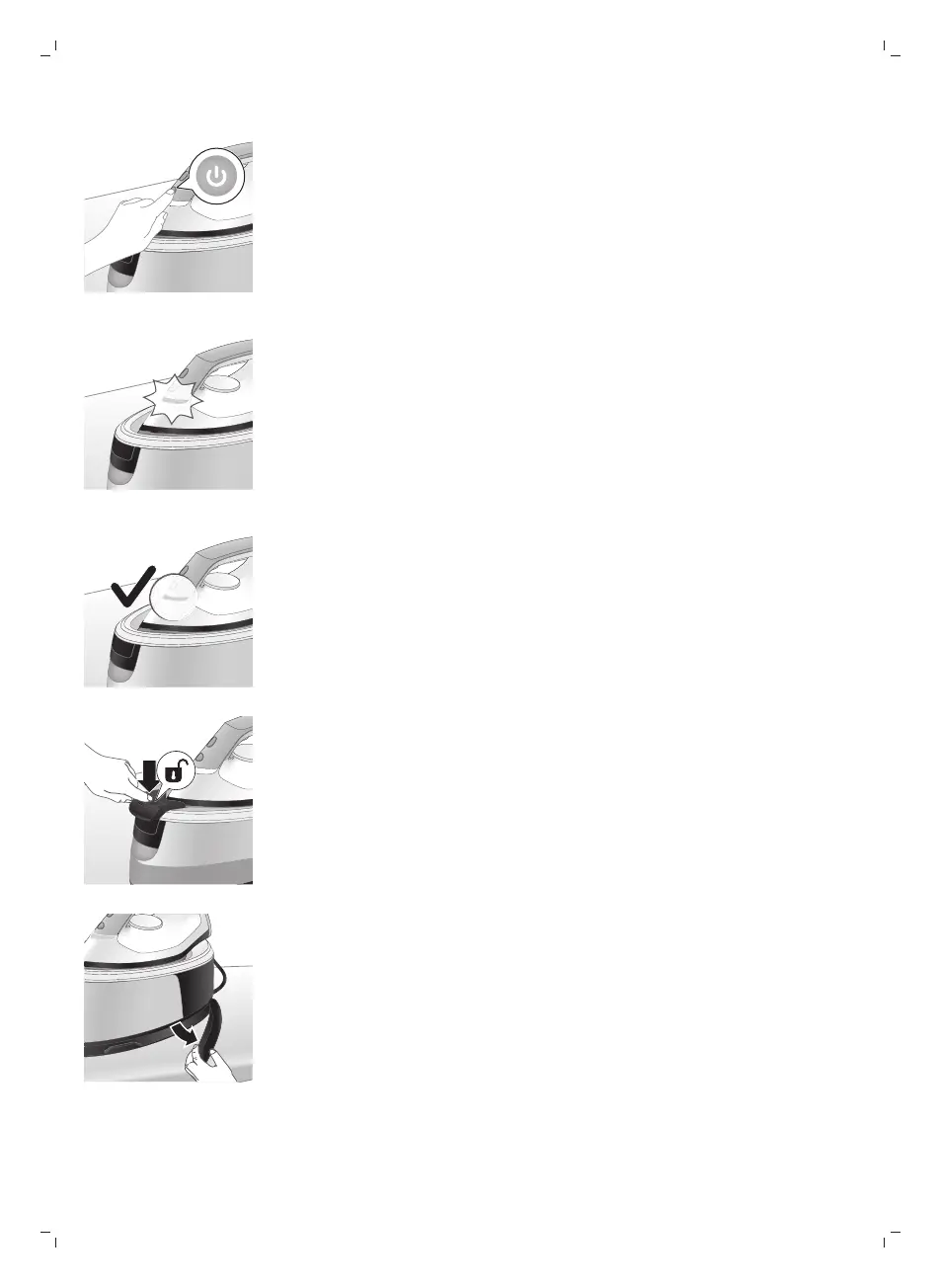
2 Press the power button to switch on the appliance then turn the temperature
dial to set the appropriate temperature according to the table above.
3 ‘Iron ready’ light starts to flash to indicate that the appliance is heating up.
4 Wait until the ‘iron ready’ light lights up continuously.
5 For PSG3010, press the carry lock release button to unlock the iron from the
iron platform.
6 Remove the water supply hose from the storage compartment.




 To Next Page