EasyManua.ls Logo

Philips PT736 - Battery Fully Charged; Using the Shaver

Philips PT736
172 pages
Print Icon
To Next Page IconTo Next Page
To Previous Page IconTo Previous Page
Loading...
Charging
- 
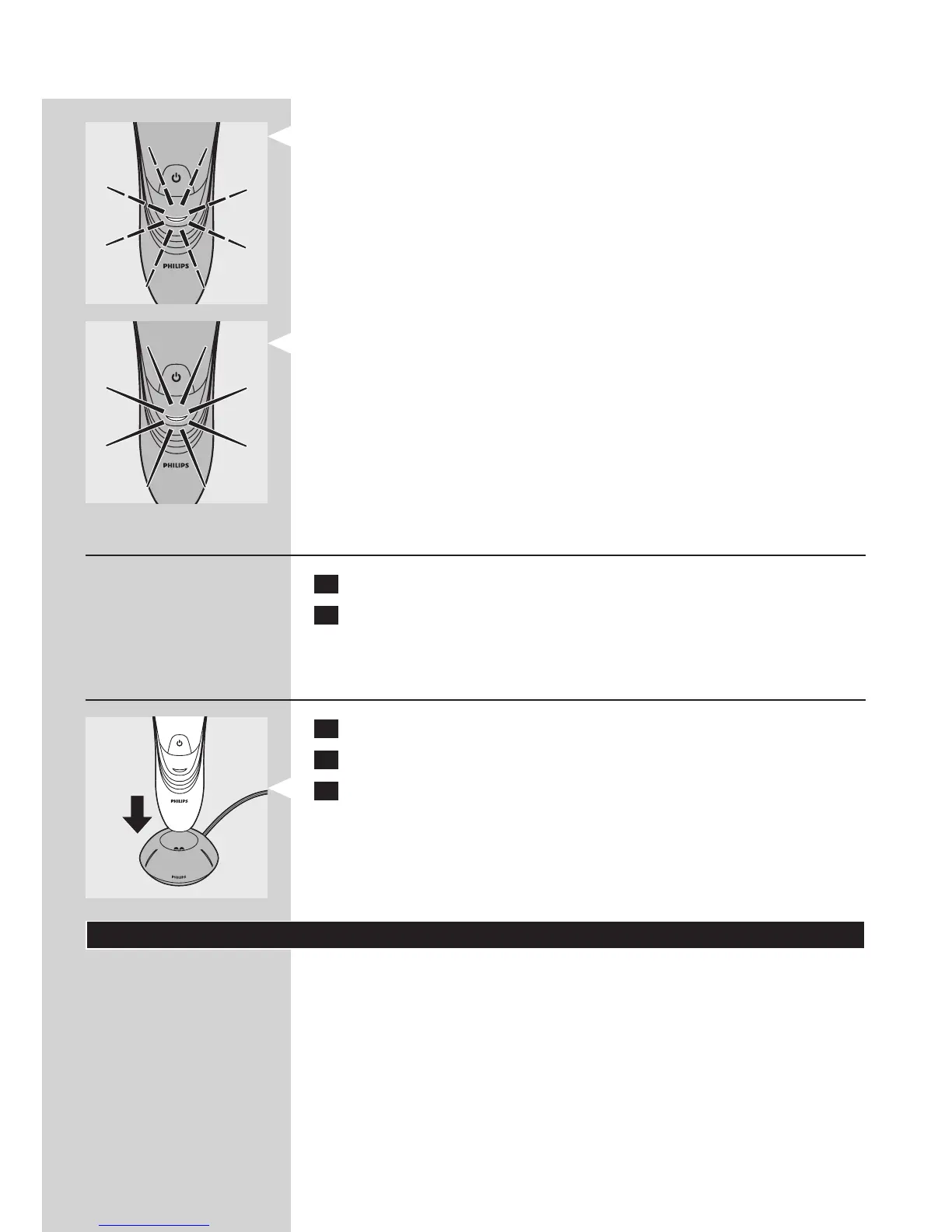
Battery fully charged
- When the battery is fully charged, the charging light lights up green
continuously.


1 Put the small plug in the shaver.
2 Put the adapter in the wall socket.
, The charging light shows the charging status of the shaver (see
section ‘Charge indications’ in this chapter).

1 Put the small plug in the charging stand.
2 Put the adapter in the wall socket.
3 Place the shaver in the charging stand.
, The charging light shows the charging status of the shaver (see
section ‘Charge indications’ in this chapter).
Using the shaver


ENGLISH6

Other manuals for Philips PT736

Related product manuals