The display
Before you use the shaver for the rst time, remove
the protective foil from the display.
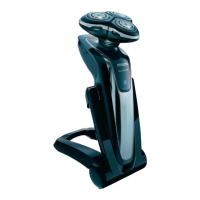
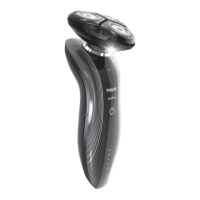
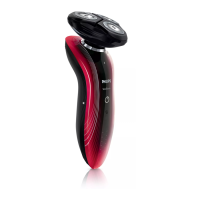
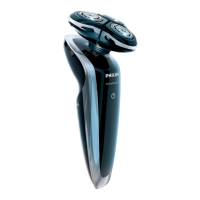
The ve shaver types (RQ1090, RQ1062, RQ1060,
RQ1052 and RQ1050) have different displays, which
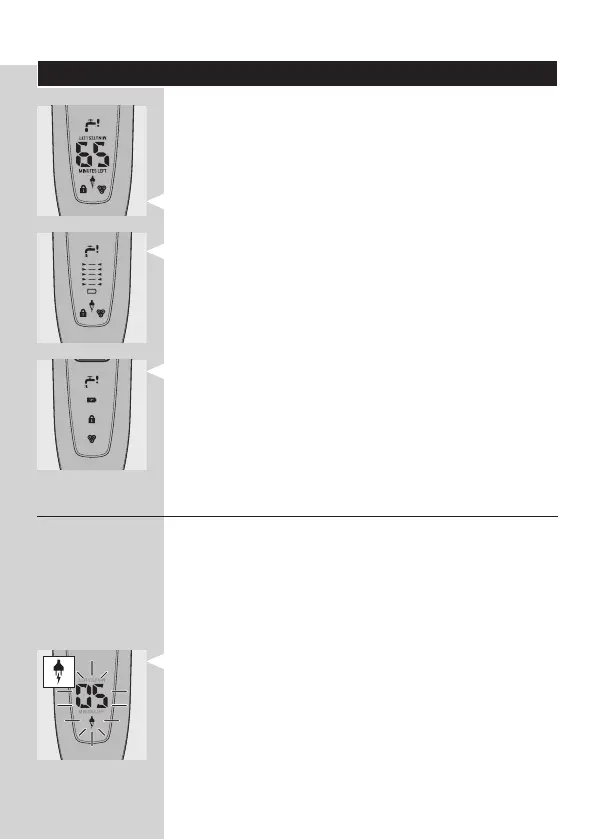
are shown in the gures below.
RQ1090
RQ1062/RQ1060
RQ1052/RQ1050
Charging
Charging takes approx. 1 hour.
When you place the shaver in the Jet
Clean System or in the Power Pod, the
display automatically switches off after approx. 5
hours.
RQ1090
When the shaver is charging, the minutes
indication and the plug symbol ash.
The shaving minutes increase until the shaver is
fully charged.
-
-
-
-
-
-
-
ENGLISH 9



 To Next Page