Charging
Charging takes approx. 1 hour.
RQ1290/RQ1280
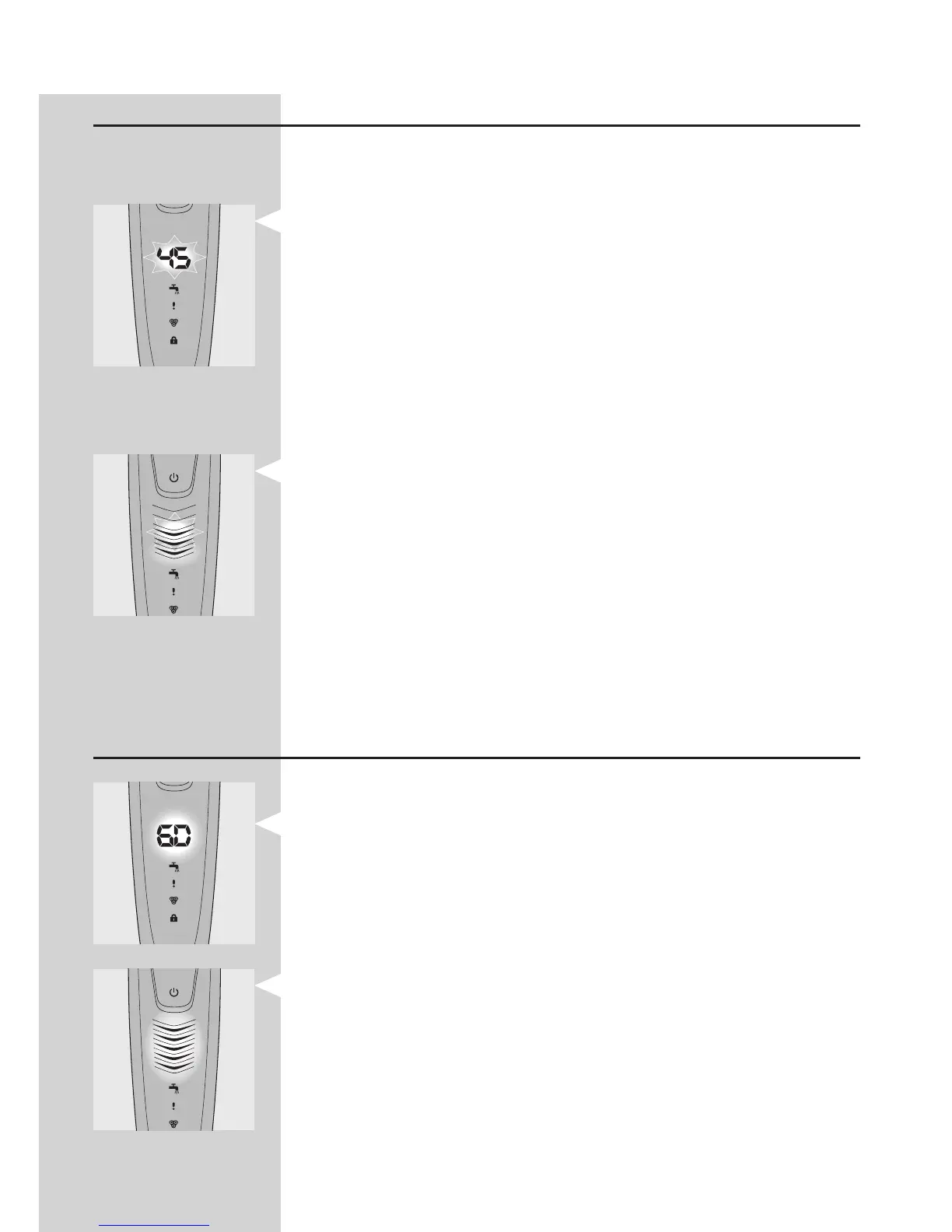
When the shaver is charging, the minutes
indication ashes.
The shaving minutes increase until the shaver is
fully charged.
Quick charge: When the shaver contains enough
energy for one shave, the display shows 5 minutes
in red.
RQ1260/RQ1250
When the shaver is charging, rst the bottom
charging light ashes, then the second charging
light, and so on until the shaver is fully charged.
Note: The displays of types RQ1260 and RQ1250 look
different, but the charging lights work in the same way.
Quick charge: When the shaver contains enough
energy for one shave, the bottom charging light
alternately ashes orange and white.
Battery fully charged
RQ1290/RQ1280
When the battery is fully charged, the minutes
indication lights up continuously. After approx.
30 minutes the display automatically switches off
again.
RQ1260/RQ1250
When the battery is fully charged, all charging
lights light up continuously. After approx. 30
minutes the display automatically switches off
again.
Note: The displays of types RQ1260 and RQ1250 look
different, but the charging lights work in the same way.
-
-
-
-
-
-
-
-



 To Next Page