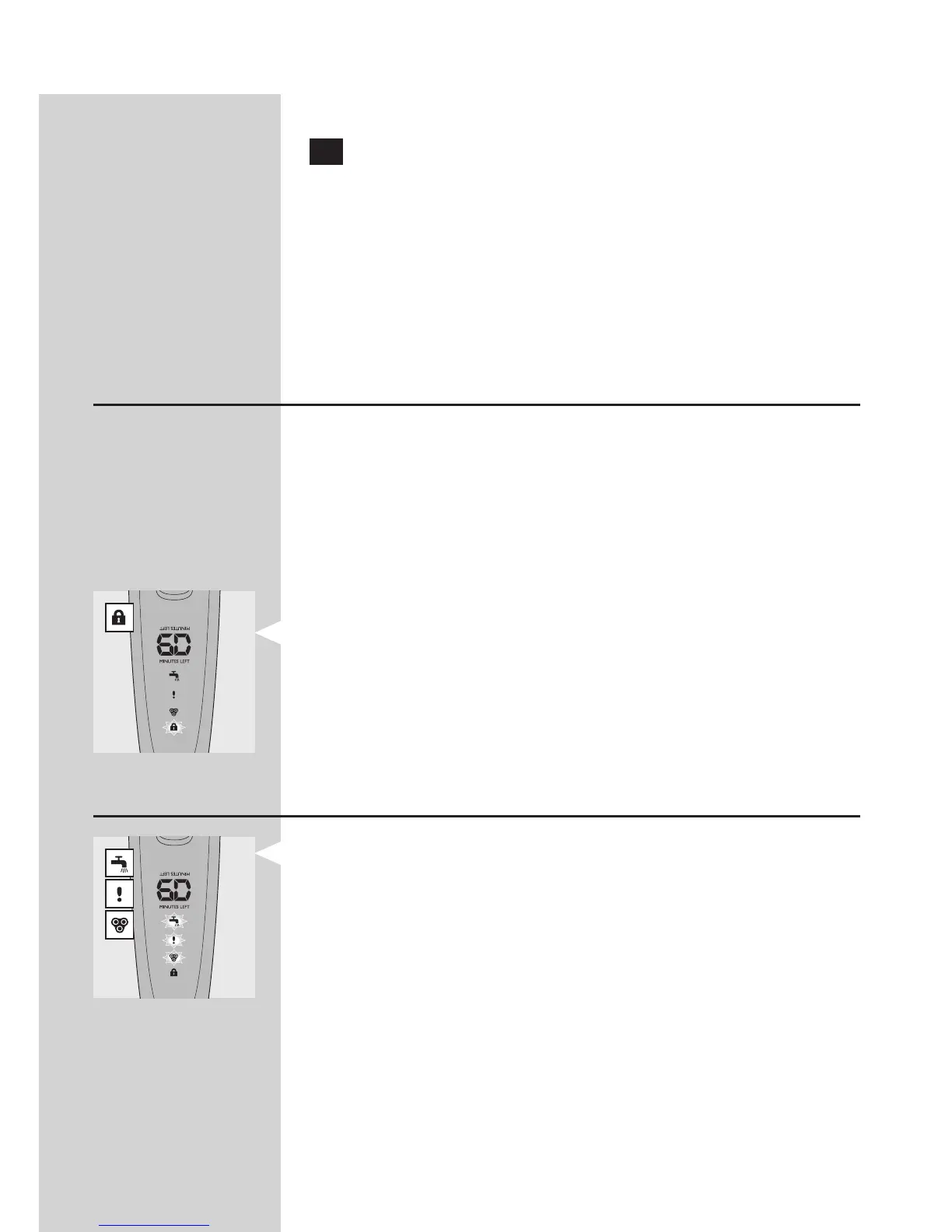
Deactivating the travel lock
1 Press the on/off button for 3 seconds.
The motor starts running to indicate that the
travel lock has been deactivated.
The shaver is now ready for use again.
Note: When you place the shaver in the plugged-
in charger or Jet Clean System, the travel lock is
automatically deactivated.
Power-saving mode (RQ1290 only)
The appliance is equipped with an automatic power-
saving mode. When the shaver enters the power-
saving mode, the light in the on/off button goes out
to save energy.
If you move the appliance for 5 minutes without
switching it on, it automatically goes into power-
saving mode.
The lock symbol ashes on the display to
indicate that the appliance is in power-saving
mode.
To deactivate the power-saving mode, simply press
the on/off button.
Blocked shaving heads
If the shaving heads are blocked, the shaving unit
symbol, the tap symbol and the exclamation mark
ash. In this case, the motor cannot run because
the shaving heads are soiled or damaged.
Note: The displays of types RQ1290, RQ1280, RQ1260
and RQ1250 look different, but show the same
symbols.
When this happens, you have to clean the shaving
unit or replace it.
,
-
,
-
-
-
ENGLISH
34



 To Next Page