12
ENGLISH
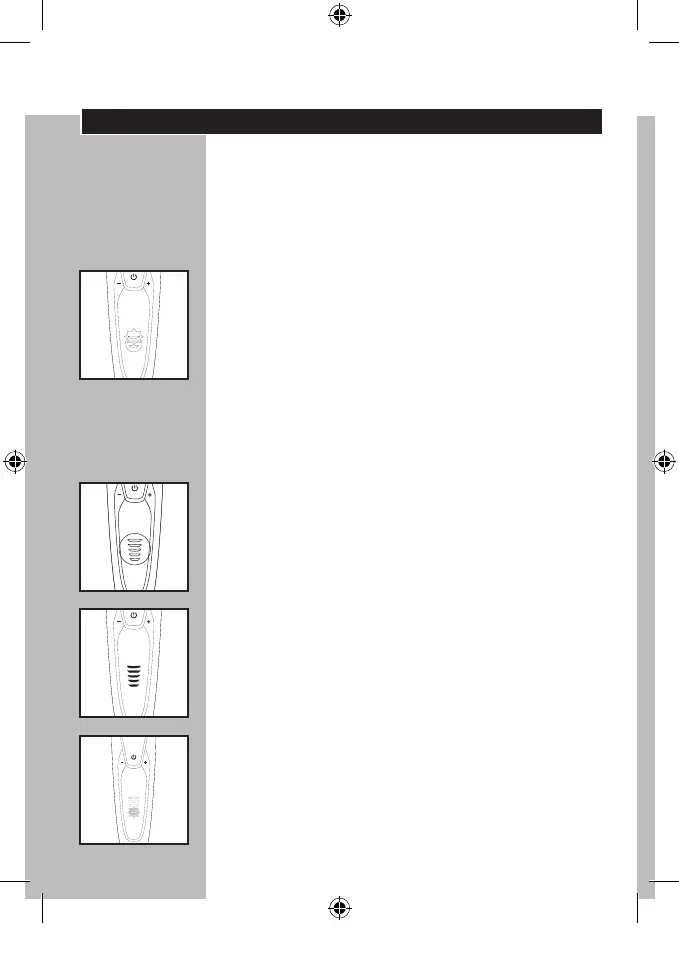
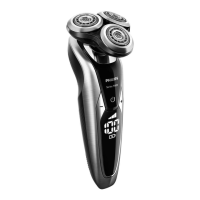
Multi-Level Display
◗ Remove any sticker or protective foil from
the display before using shaver.
◗ The display provides the following
information:
◗ Charging Indicator
C
- As soon as you connect the power cord to
an electrical outlet, you will hear a beep and
the bottom charging light blinks. As charging
continues, more and more lights will blink to
indicate what level the battery has been charged.
-Quick charge: When the shaver contains enough
energy for one shave, the bottom charging light
lights up white continuously.
◗ Full Charge Indicator
C
- When the battery has been fully charged,
all charging lights light up continuously.
After approximately 30 minutes the display
automatically switches off again.
- If the on/off button is pressed during or after
charging, the shaver will beep indicating the
shaver is still connected to the outlet.
◗ Remaining Battery Capacity
C
- The remaining battery capacity is indicated by
the number of charging lights that are on.
◗ Low Battery Indicator
C
- When the battery is almost empty (5 or less
shaving minutes left), the bottom charging light
blinks orange and you will hear a beep.
14_S9321.indd 12 6/26/14 3:14 PM



 To Next Page