14 EN
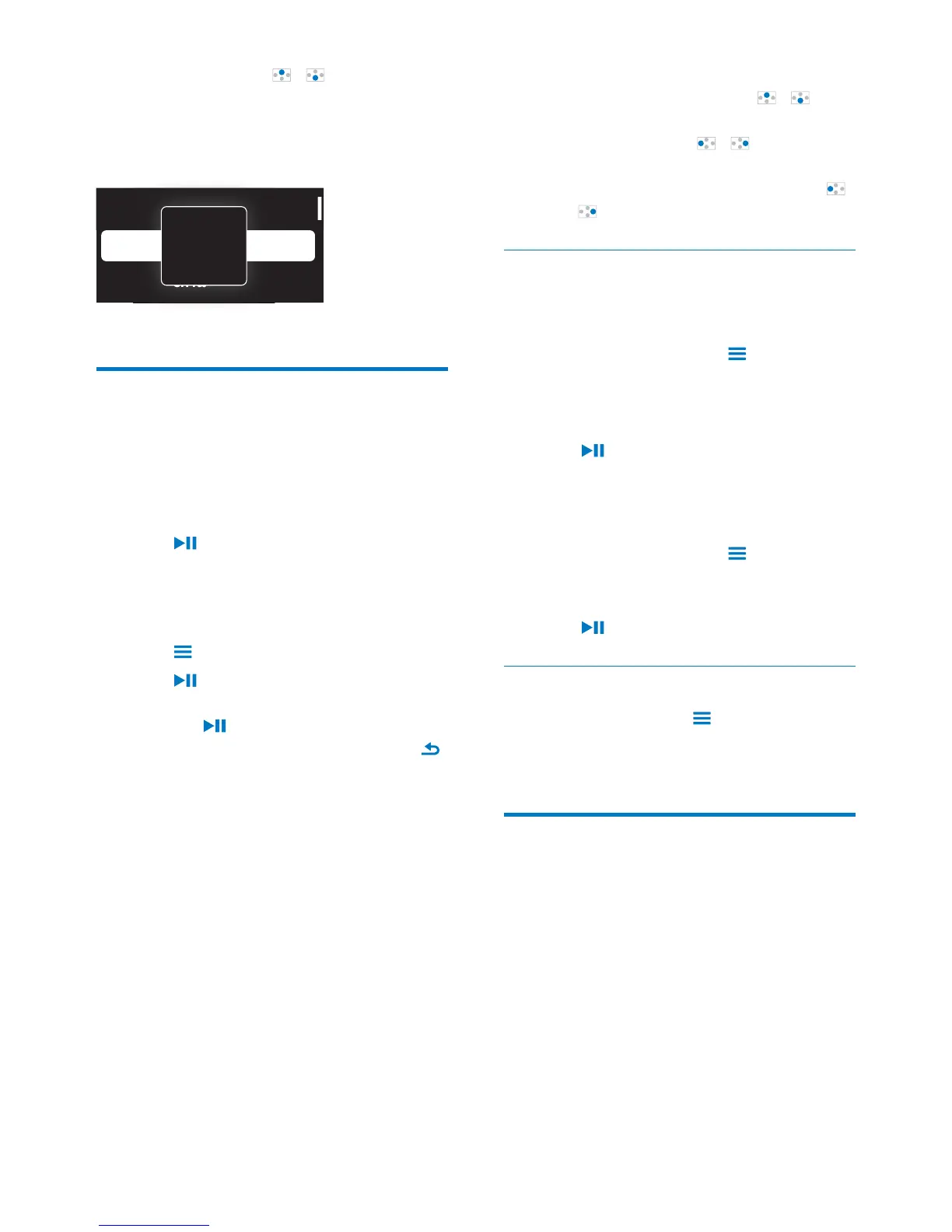
Press and hold / to start
Superscroll.
» On the screen, you can see the
initials of current options.
Play music
You can start play from a song, or play an entire
album or artist.
To start play from a song,
1 Select a song.
2 Press to start play.
» Play starts from current song.
To play the entire album or artist,
1 Select an album or artist.
2 Press > [Play all].
3 Press to start play.
On the play screen,
Press
to pause and resume play.
To go to the previous screen, press
.
» The play screen returns a few
seconds later.
» On the play screen, you can see
Al e
Argentina
All o e
A
To adjust the volume,
On the play screen, press
/ .
Repeatedly press
/ .
To rewind or fast forward within current song,
On the play screen, press and hold
/
.
Play from the same collection
During the song play, you can switch to a
collection the same as that of current song.
1 On the play screen, press and select
[Play mode].
2 In [Play music from…], select [… this
artist], [… this album], or [… this genre].
Press
.
» You start to play current artist,
album, or genre.
To play all the songs on the player,
1 On the play screen, press and select
[Play mode].
2 In [Play music from…], select [All songs].
Press
.
Select play options
On the play screen, press to select play
options, such as play mode, sound settings, and
sleep timer (see 'Settings' on page 22).
Playlists
playlists:
playlists that you transfer from the PC
media library;
three playlists on the go for you to add
songs on the player.












 To Next Page