29EN
Select a seed song
Make sure that the seed song has completed
the LikeMusic analysis.
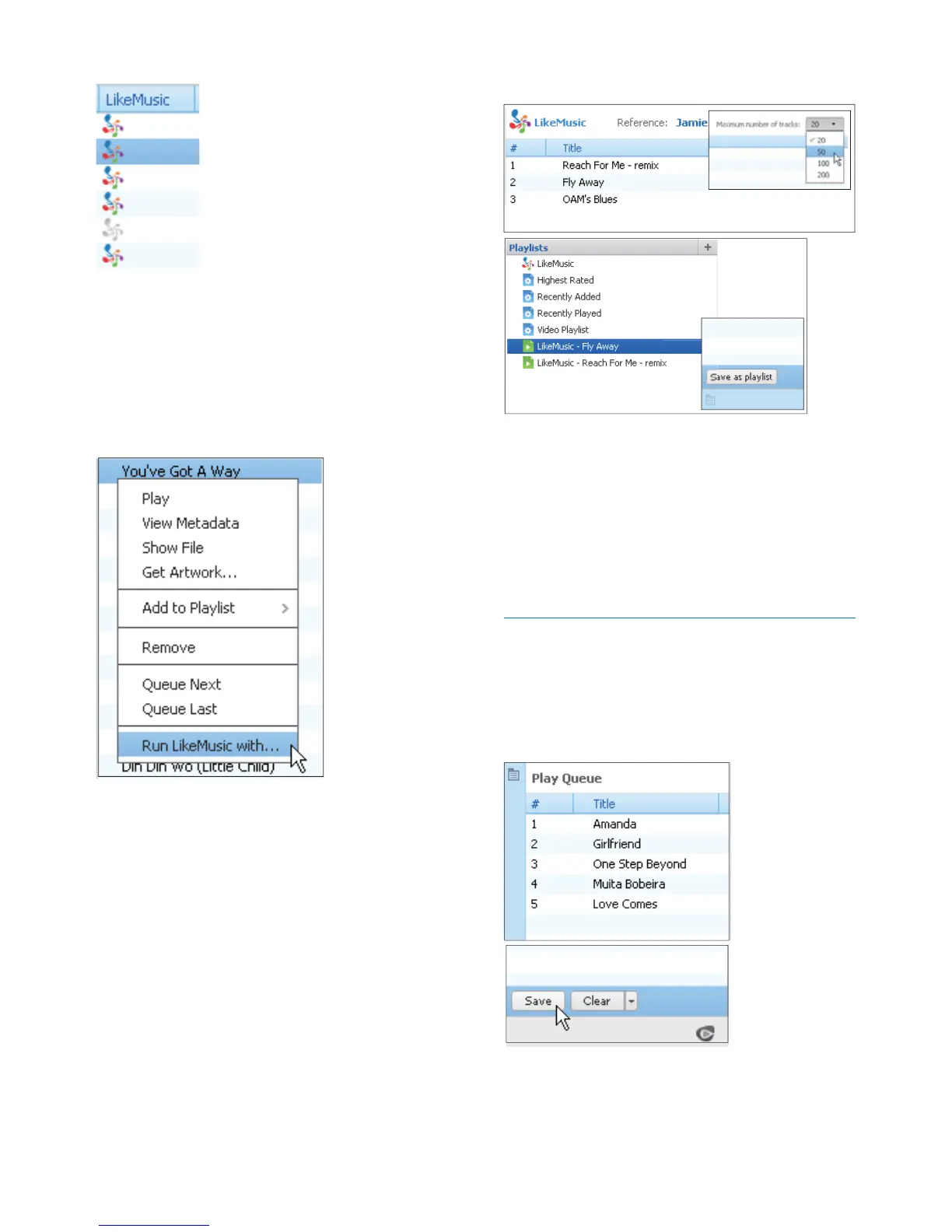
In Library > Music, double click the
blue LikeMusic icon of the song;
Alternatively,
In Library > Music, right click on a
song and select Run LikeMusic with.
» A LikeMusic playlist is displayed in
the LikeMusic page.
Set the maximum number of songs
Select a number in the drop down list.
Save the LikeMusic playlist
Click Save as playlist in the LikeMusic
page.
» The LikeMusic playlist is saved
under Playlists.
Create a play queue
Drag and drop songs or playlists to the
Play Queue pane.












 To Next Page