30 EN
Save the play queue as a playlist
1 Click Save.
» The play queue is saved as a
playlist under Playlists.
2 Under Playlists, name the playlist as
needed.
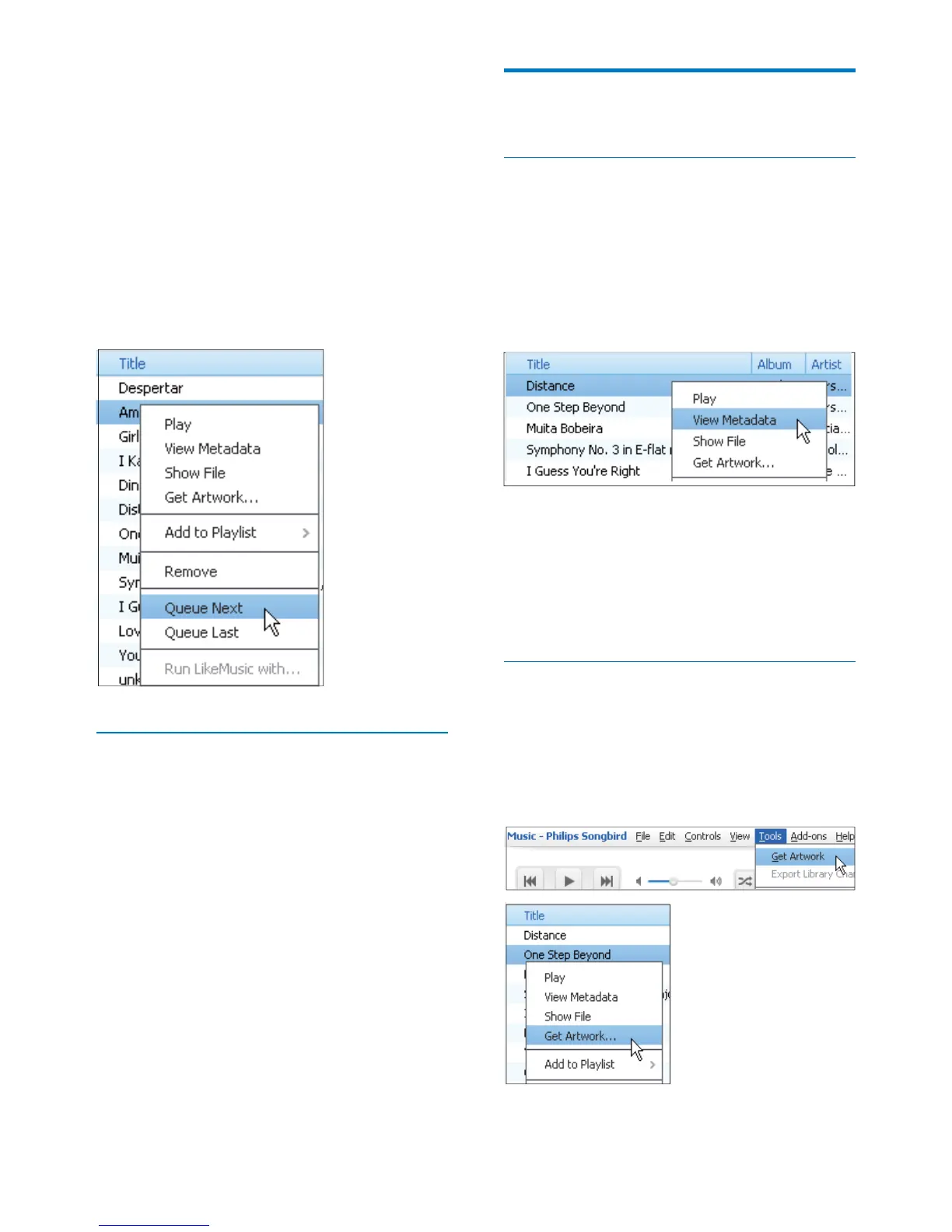
To add songs to the top, right click on
the options and select Queue Next;
To add songs to the end, right click on
the options and select Queue Last.
Play a playlist
1 To play the entire playlist, right click on the
playlist and select Play.
To start play from a song, double click
on the song.
2 To select play options, click buttons on the
player pane.
Songbird
Edit metadata
automatically by song title, artist, album, and
other information.
can browse the media library by metadata.
1 In Library > Music
2 View
Metadata.
» A metadata table is displayed for you
to edit the information.
Get album artwork
Artwork is sometimes available for music
downloads. With Philips Songbird, you can
insert artwork for songs.
After you sync the songs to some players, you
can browse the media library by artwork.












 To Next Page