31EN
On Philips Songbird, select Tools > Get
Artwork.
» Artwork is fetched for all titles in the
library.
Right click on selected titles, and select Get
Artwork.
» Artwork is fetched for all selected
titles.
1 Remove.
2
»
library and from all playlists. (By default,
location on the computer or computer
network.)
Tip
Ctrl button
when you click on selections.
Shift
Sync the player with Philips
Songbird
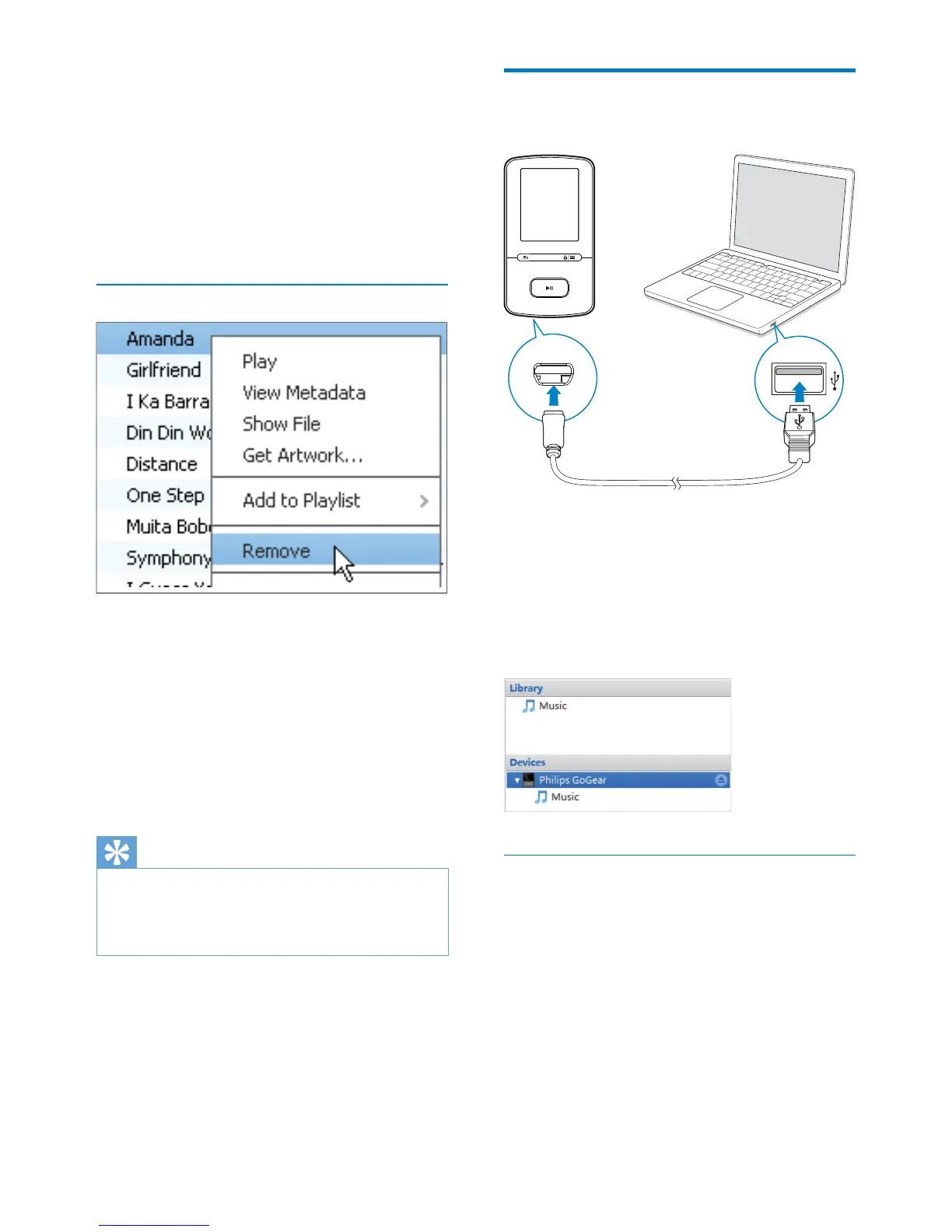
1 On the PC, launch Philips Songbird.
2 Connect the player to the PC by using the
USB cable.
» On Philips Songbird, the player is
displayed when it is recognized by the
PC.
Select auto or manual sync
Philips
Songbird, select auto sync as prompted. The
player sync with Philips Songbird automatically.
If you do not select auto sync, you switch on
the manual sync.












 To Next Page