about the SIM Card
T
he SIM Card
keeps your phone numbers stored in its
m e m o r y. Your phone will not work without it and if you
did not receive one when you bought your phone,
contact your stockist or call Orange Customer Services.
note the SIM Card’s number
You will see a very small number written on the SIM
C a rd, next to the golden contacts. Write down the
number in the box on page 1.3. The initial 6 numbers
have already been completed. These numbers will be
re q u i red when you call Orange to re g i s t e r.
remove the SIM Card from its surrounding
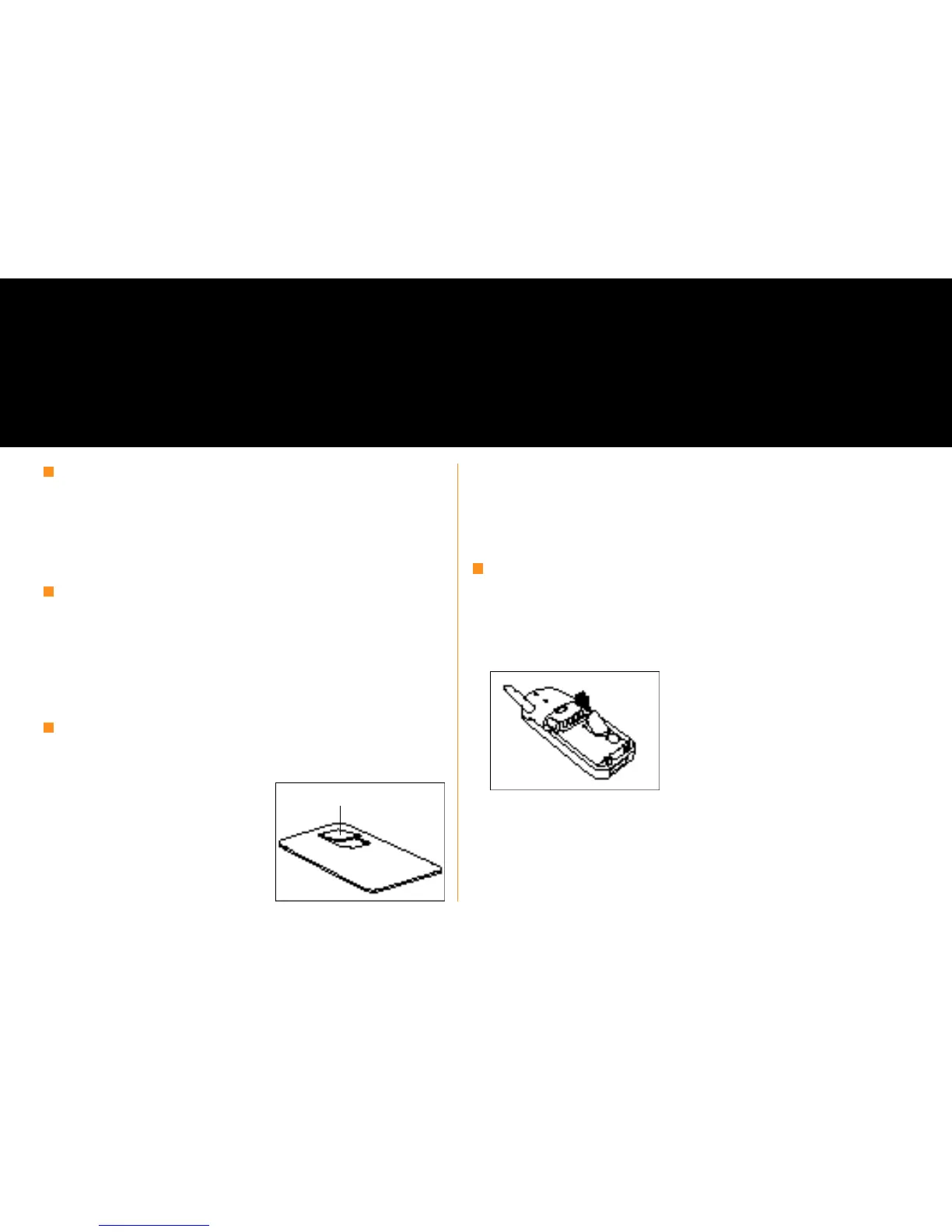
The SIM c a rd is the small
rectangle of plastic with
the golden contacts
and the cut off corn e r.
Remove it from its surround by carefully pushing it out.
The SIM Card ’s contacts are easily damaged, take care
when handling it and try to avoid touching the golden
contacts.
inserting the SIM Card
The SIM Card fits in the slot shown. There is a diagram
on the phone showing which way round it goes. The
cut off corner goes in last, as shown in the picture
below. The golden contacts face downwards.
Your SIM Card is a computer chip containing information about your phone and your Orange
subscription. You have to install it before your phone will work.
insert your SIM Card
1.1
S I MC a rd



 To Next Page