EasyManua.ls Logo

Philips scd620 - Page 13

Philips scd620
220 pages
Print Icon
To Next Page IconTo Next Page
To Previous Page IconTo Previous Page
Loading...
VIDEO
VIDEO
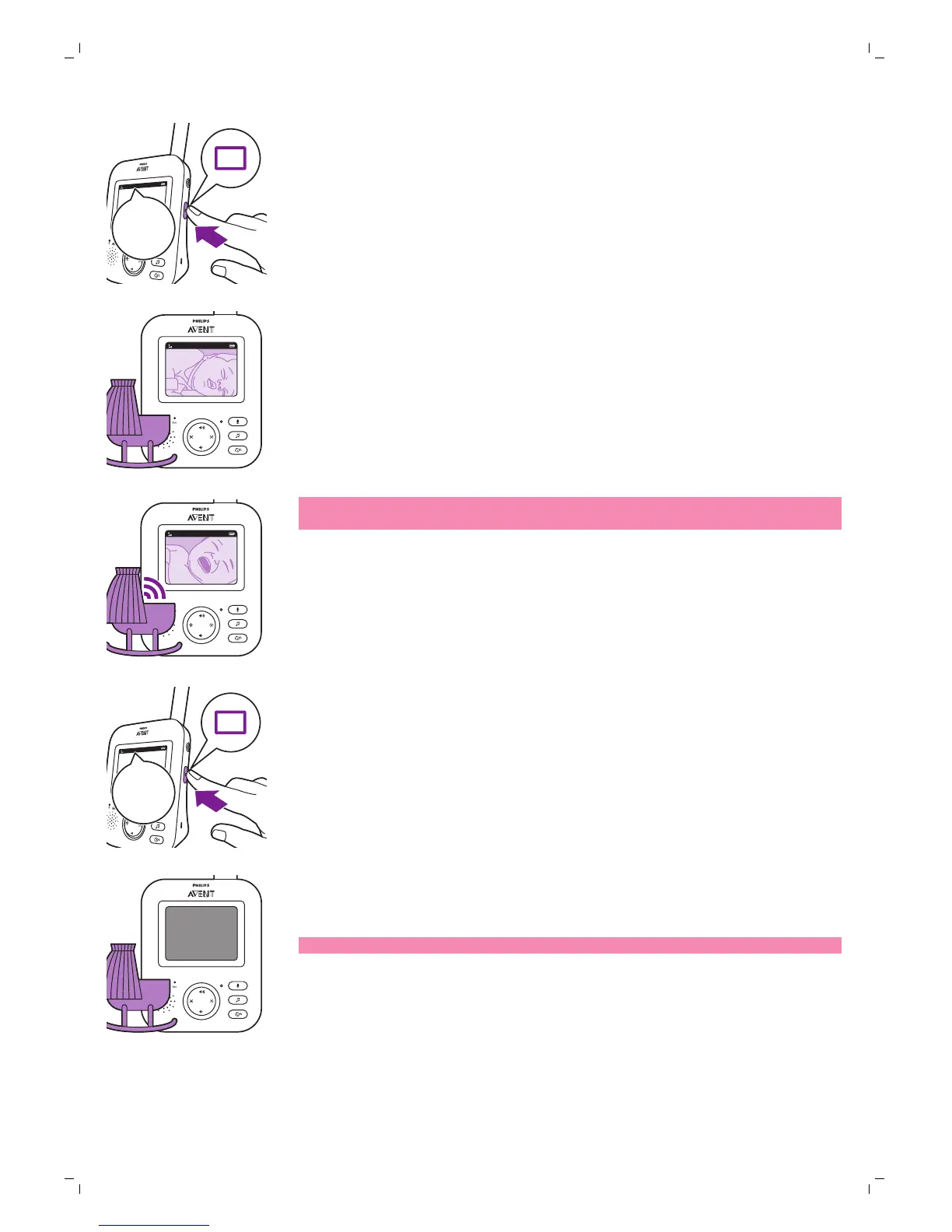
Press the mode button on the side of the parent unit to select the VIDEO
mode.
2C
1
VIDEO
When the VIDEO mode is activated, the screen is always on, so you can see
your baby. All sounds are directly transmitted to the parent unit.
20°C
1
VIDEO
Note: Set the sensitivity level to 'very high' to have continuous sound on the
parent unit. Please see the Sensitivity level chapter for more information.
AUDIO mode
AUDIO
AUDIO
1 Press the mode button on the side of the parent unit to switch to AUDIO
mode.
2C
1
AUDIO
When the AUDIO mode is activated, the display of the parent unit switches
off. After 3 seconds the display will completely turn off and the status bar
will disappear.
Note: The status bar is not visible when the display is off.
15
English

Related product manuals