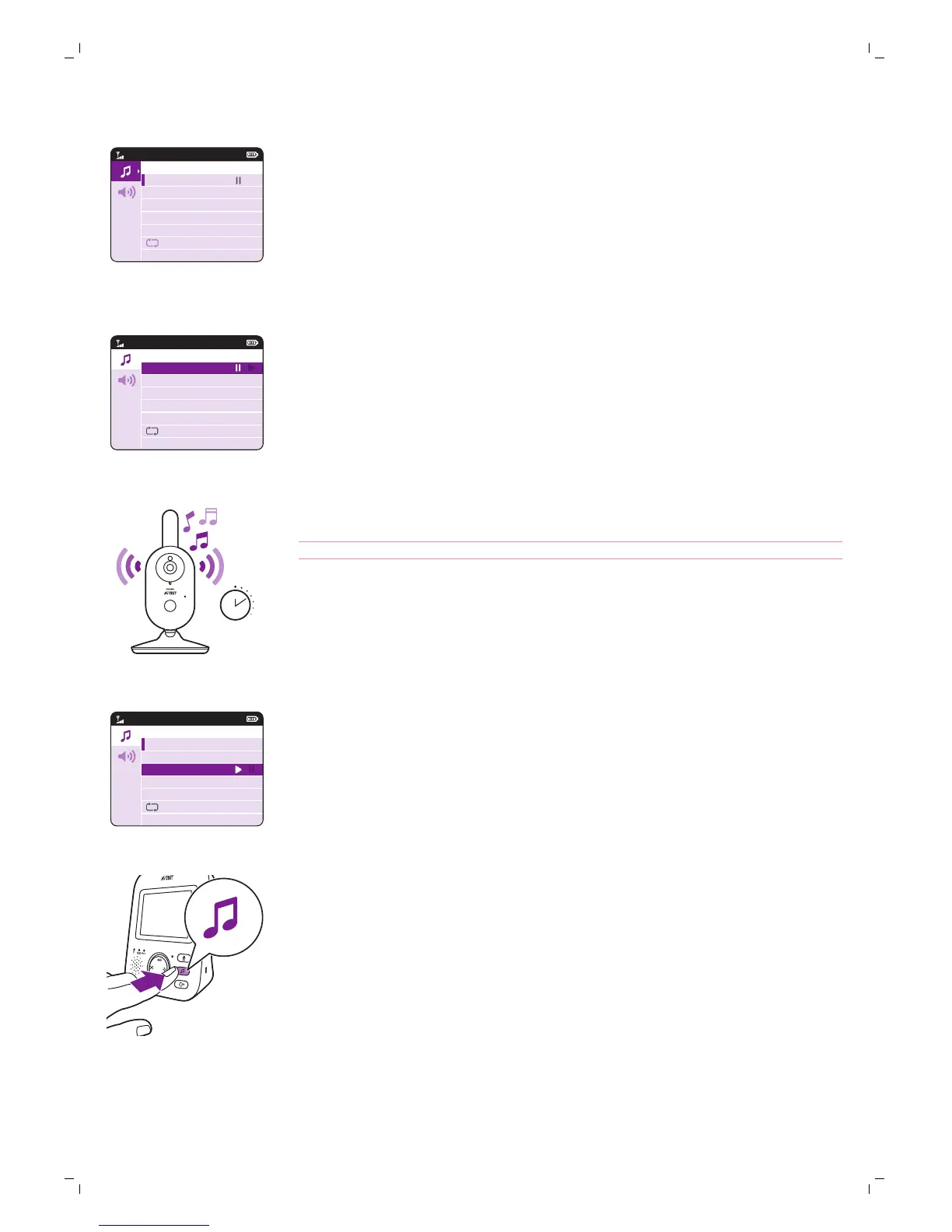
4 Press the right part of the control button to play a specific lullaby.
If you want to pause the lullaby, press the right side of the control button
again.
5 The status bar of the parent unit shows the number of lullabies that are
being played and repeated.
The lullaby starts to play on the baby unit and it is repeated continuously
for approximately 15 minutes.
Tip: To repeat all songs that are available, select the last option in the list.
6 To select another lullaby, scroll up or down with the control button to
select another song from the list. Press the right part of the control button
to start the selected song.
7 To stop the lullaby, press the lullaby button on the parent unit and pause
the song that is currently playing by pressing the right part of the control
button one more time.
Lullaby volume
1 Press the lullaby button on the parent unit to open the menu for
lullabies. Press the left part of the control button and then press the
bottom of the control button to select the volume options of the lullaby
menu. Press the right part of the control button to access the lullaby
volume levels.
18
English







 To Next Page