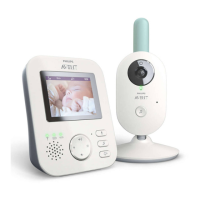
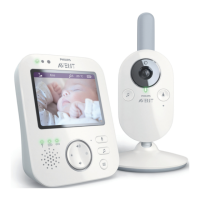
2 Clean the baby unit with a dry cloth.
Note: Fingerprints or dirt on the lens of the baby unit may affect the
camera’s performance. Avoid touching the lens with your fingers.
3 Switch off the parent unit, remove the power adapter from the parent
unit and remove the power adapter from the wall socket.
4 Clean the parent unit with a dry cloth.
5 Clean the adapters with a dry cloth.
Storage
When you are not going to use the baby monitor for a long time, store the
parent unit, the baby unit and the adapters in a cool and dry place.
Ordering accessories
To buy accessories or spare parts, visit www.shop.philips.com/service or go
to your Philips dealer. You can also contact the Philips Consumer Care
Centre in your country (see the worldwide guarantee leaflet for contact
details).
22
English







 To Next Page