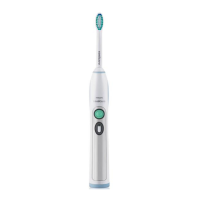
Intensity levels
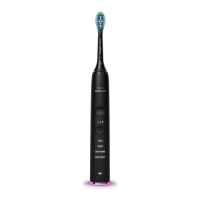
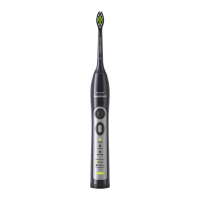
- Low: 1 LED indicator light
- Medium: 2 LED indicator lights
- High: 3 LED indicator lights
Note: To adjust the intensity level, press the power
on/off button to let your Sonicare cycle through the
intensity levels in the following order: High, Medium,
Low, High etc. Each touch of the button allows you to
select the next available intensity level.
Battery status (when handle is not on charger)
- A yellow battery level indicator indicates a
low charge.
- A green battery level indicator indicates a
high charge.
- The battery level indicator turns off when the
battery is in between a low and a high charge.
Note: When you hear 3 beeps and the battery level
indicator ashes yellow, this means the battery is below
10% and should be recharged.
Note: When you hear 2 sets of 5 beeps, this means the
Sonicare will not operate and needs to be recharged.
ENGLISH 9
4235_020_8625_2_DFU-Booklet_Lux_A6_v1.indd 9 24/02/15 09:30


 To Next Page
 Loading...