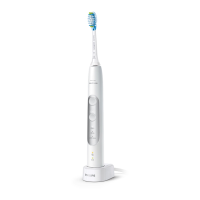
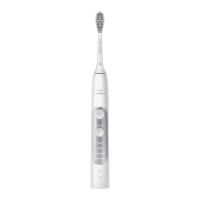
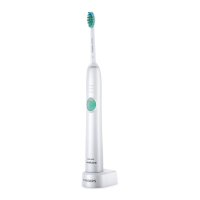
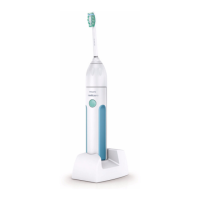
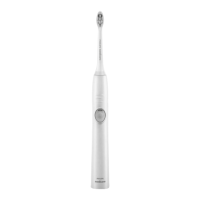
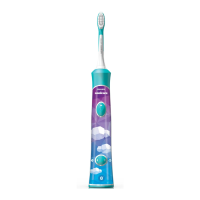
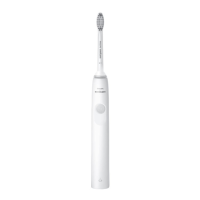
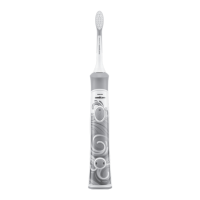
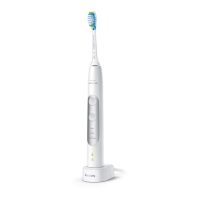
5 Intensity light
6 Mode/intensity button
7 Modes
8 Brush head replacement reminder light
9 Battery indication
10 Charger
11 Travel case
*Note: The content of the box may vary based
on the model purchased.
Using your Philips Sonicare
Brushing instructions
1 Push the brush head firmly onto the handle.
Note: It is normal to see a slight gap between
the brush head and the handle.
2 Wet the bristles and apply toothpaste.
3 Place the toothbrush bristles against the teeth
at a slight angle (45 degrees), pressing firmly to
make the bristles reach the gumline or slightly
beneath the gumline.
Note: Keep the center of the brush in contact
with the teeth at all times.
4 Press the power on/off button to turn on the
Philips Sonicare.
5 Apply light pressure to maximize Philips
Sonicare’s effectiveness and let the Philips
Sonicare toothbrush do the brushing for you.
Gently move the brush head slowly across the
teeth in a small back and forth motion so the
longer bristles reach between your teeth.
Continue this motion throughout the brushing
cycle.
10
English


 To Next Page
 Loading...