LED color Number of beeps Status
Solid green n/a Full
Flashing green n/a Medium
Flashing amber 3 Low
Flashing amber 5 Battery empty
Note: Your toothbrush comes pre-charged for first
use. After first use, charge for at least 24 hours.
Note: It is OK to leave the handle on the plugged in
charger in between brushings. This will not impact
the battery life negatively.
Activating or deactivating features
You can activate or deactivate the following
features of your toothbrush:
- EasyStart
- Brush head replacement reminder
- Pressure sensor
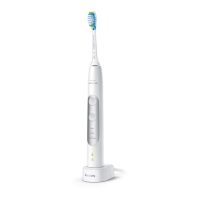
1 Place the handle on the charger.
2 Press and hold the power button for:
Feature
Press the power button for
EasyStart 3 seconds
Brush head replacement
reminder
Up to 5 seconds
Pressure sensor Up to 7 seconds
3 Let go of the power button when you hear:
Feature You will hear
EasyStart 1 beep
17
English


 To Next Page
 Loading...