The toothbrush will automatically turn off at the
end of the brushing session.
Charging and battery status
Charging
1 Plug the charger into an electrical outlet.
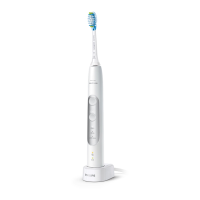
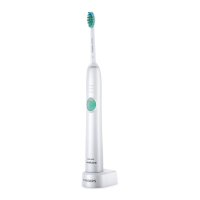
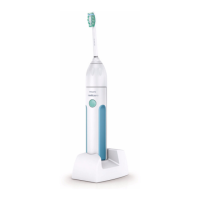
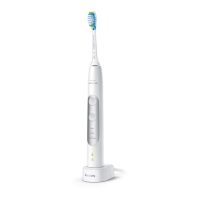
2 Place the handle on the charger.
3 The charging indicator will flash green until your
toothbrush is fully charged.
Battery status (handle on plugged-in
charger)
When placed on the charger, the battery light will
flash green based on the current battery level.
LED color Battery charging status
Flashing green Charging
Solid green Fully charged
Off Fully charged and in sleep mode
When placing the handle on the charger:
- The handle will emit 2 short beeps to confirm
the handle is placed properly and the handle
starts charging.
- The battery light will flash green to indicate it is
charging.
- The handle will show solid green when it is fully
charged. In order to preserve the charge, the
green light will switch off 30 seconds after the
charging process is complete.
Battery status (when handle is not placed on
charger)
When removing the handle from the charger, the
battery light at the bottom of the handle will
indicate the status of the battery.
16
English


 To Next Page
 Loading...