Pressure sensor
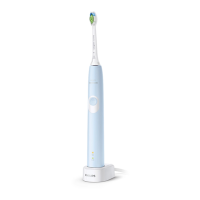
1 Put the handle on the plugged-in charger.
2 Press and hold the power on/off button
while the handle remains on the charger.
3 Keep the power on/off button pressed until
you hear a series of three short beeps (after
6-7 seconds).
4 Release the power on/off button.
-
Triple tone of low-med-high means the
pressure sensor feature has been
activated. The brush head replacement
light and battery light will also blink
green 2 times in unison to confirm
activation.
-
Triple tone of high-med-low means the
pressure sensor feature has been
deactivated. The brush head
replacement light and battery light will
also blink amber 1 time in unison to
confirm deactivation.
If you continue holding the power on/off
button after the three short beeps, the
activate/deactivate sequence repeats.
Battery status and charging
1 Put the plug of the charger in an electrical
outlet.
2 Place the handle on the charger.
-
The charger will emit 2 short beeps to
confirm that the handle is placed
properly.
19
English






 To Next Page