Chapter
EN
21
Deleting captured items
1
Select the items you wish to delete in the content panel or
under ‘Images’,‘Videos’ and ‘Folders’.
2
Click ‘ ’.
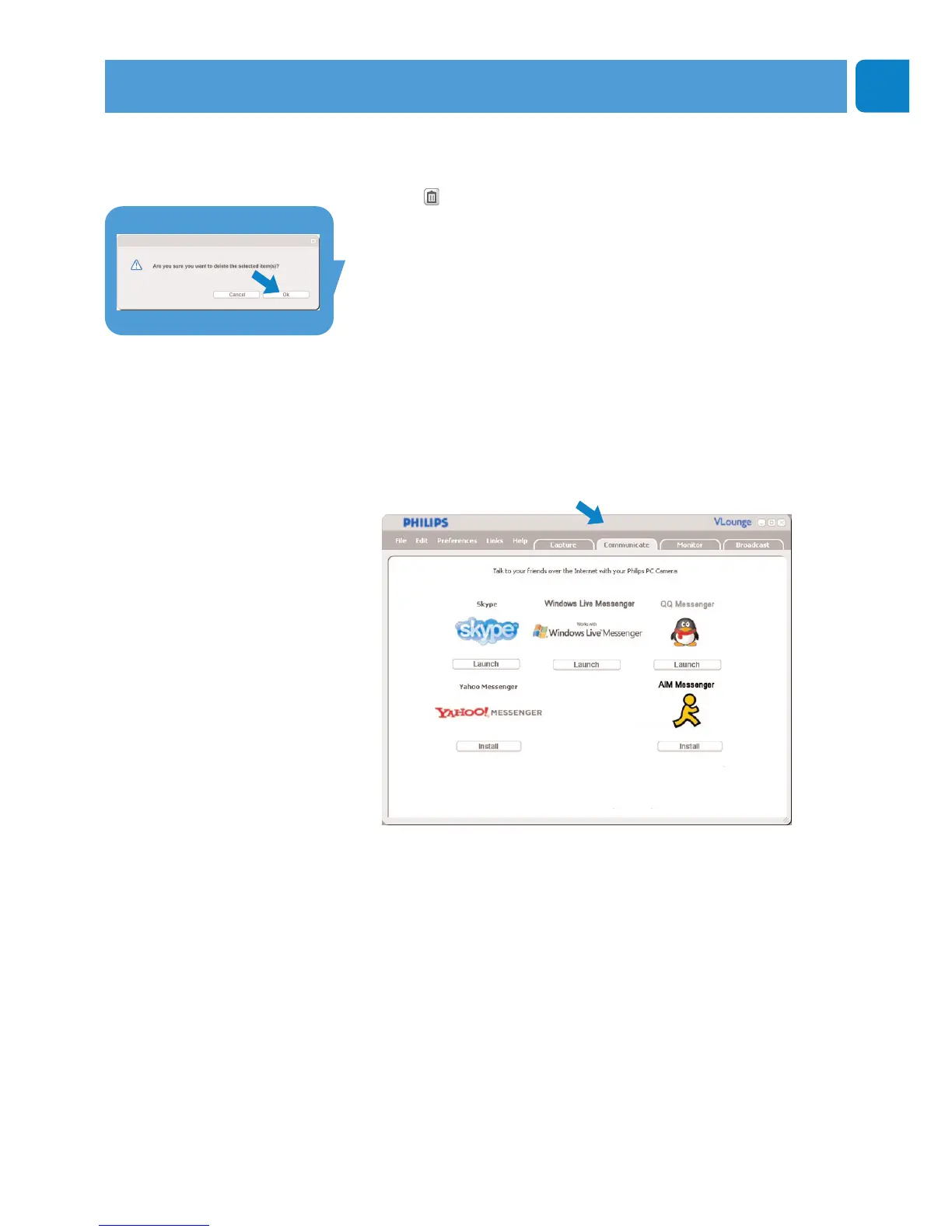
> The following dialogue screen appears.
3 Click the ‘OK’ button to delete the selected items.
Instant messaging and Internet calling
(video chatting, video calling and VoIP)
The Philips SPC620NC WebCam works with all free instant
messenging and VoIP (Voice over Internet Protocol) applications
such as Skype,Windows
®
Live Messenger,Yahoo! Messenger,
AOL Messenger and QQ.
1
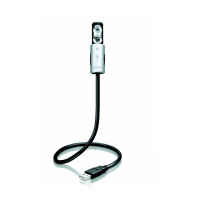
Click the ‘Communicate’ tab to open the ‘Communicate’
menu.
> The available applications are shown by their icons.
2
Click the appropriate ‘Install’ button to download and install
an application.
3
Follow the on-screen instructions during downloading and
installing.
4
After installing an application, make the required WebCam
settings within the application in order to be able to properly
use the WebCam via the application.
5
Click the appropriate ‘Launch’ button to start an application.
• If you need assistance select ‘Application Help’ in the
‘Help’ menu.
Operating the WebCam



 To Next Page