Chapter
EN
24
Broadcasting your videos over the Internet
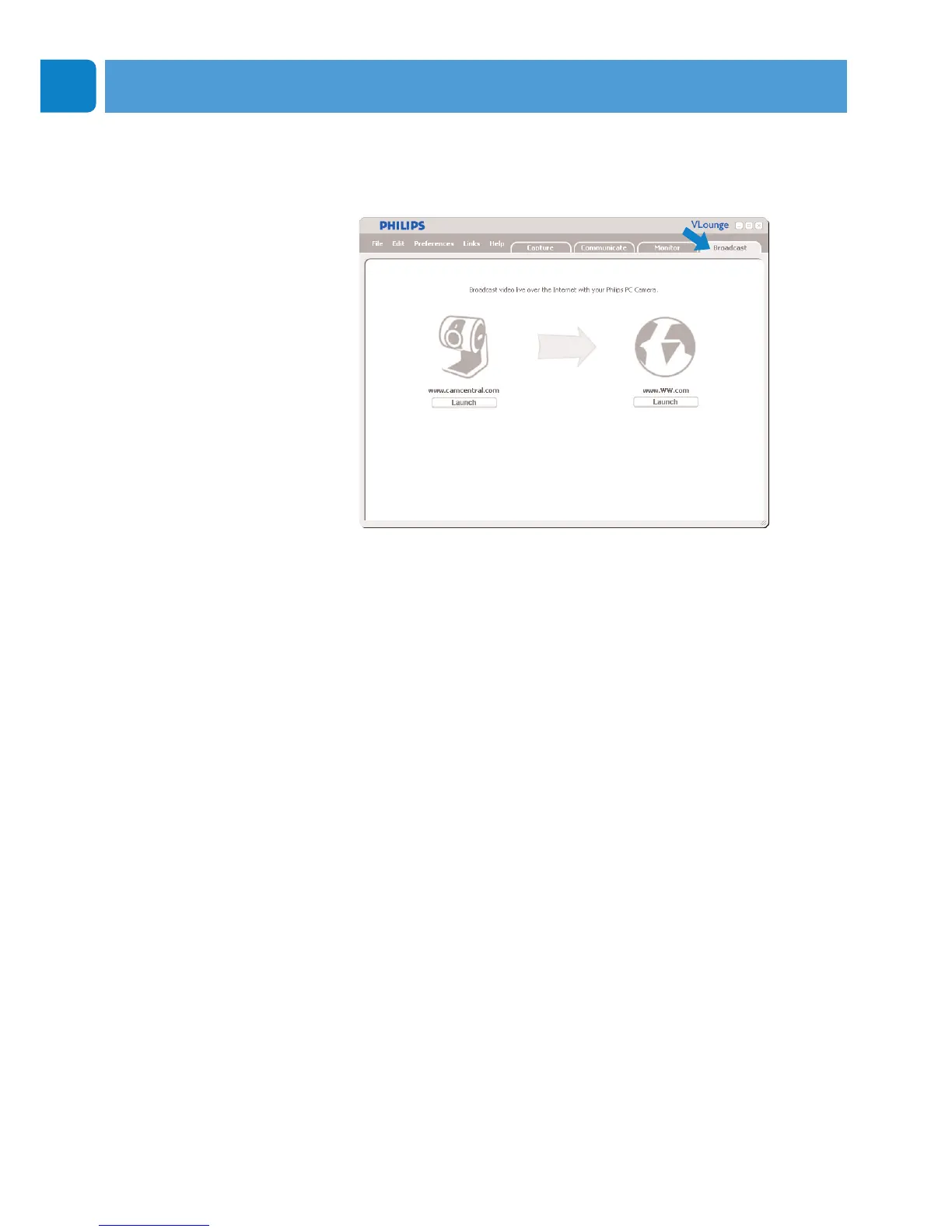
In the ‘Broadcast’ menu you can select a website where you can
broadcast your videos live.
• Click the ‘Broadcast’ tab to open the ‘Broadcast’ menu.
• Select the desired website by clicking the corresponding
‘Launch’ button.
• Follow the on-screen instructions for live broadcasting of
your videos on the selected website.
Operating the WebCam



 To Next Page