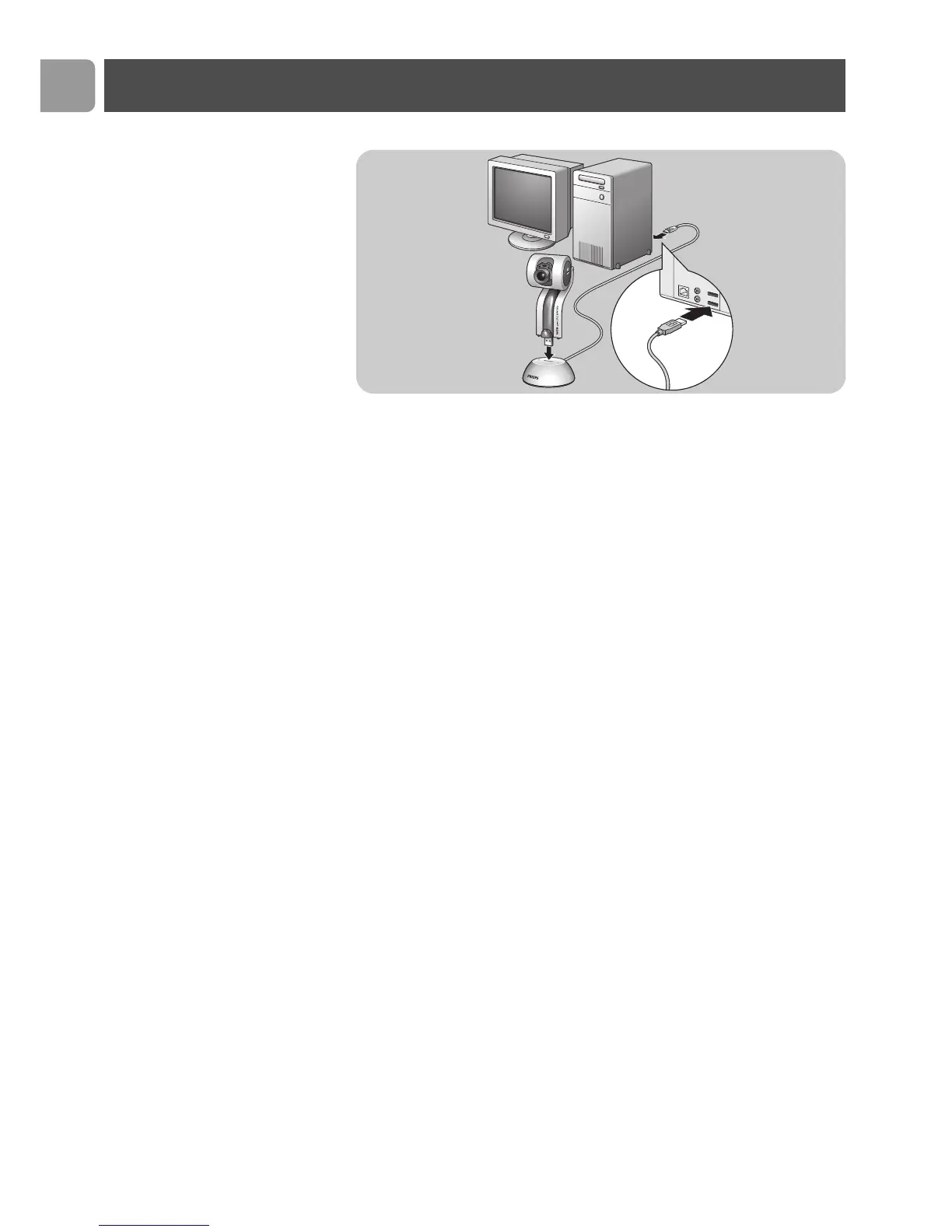
Connecting the WebCam to your PC
1
Be sure to run the installation CD first, before connecting the
WebCam to the PC.
2
Turn on the PC.
3
Connect the USB plug of the USB cable to the USB port of the
PC.
4
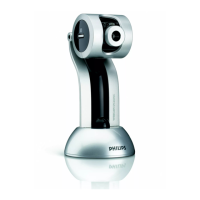
Insert the WebCam’s USB connector into the USB port of the
docking base/stand. Push it down gently until it clicks into
position.
>
The WebCam will now derive its power from the PC.
Installation
EN
10
3
4
4


 To Next Page