- 4 / 26-
Improved acoustic specification
• Improved microphone suspension
• Increased frequency range
• Increased microphone sensitivity range
2 Product Features
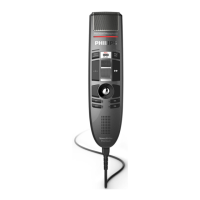
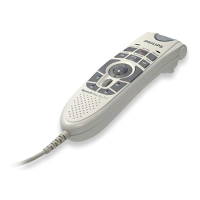
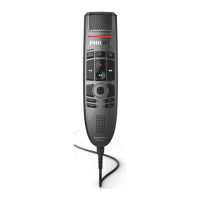
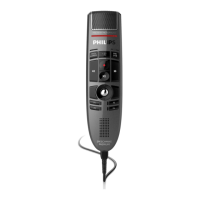
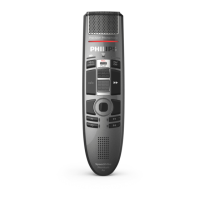
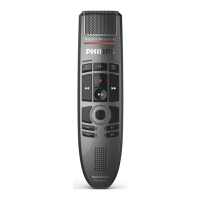
Speech Mike
Classic
End Of Letter button
X X X X X X X X
Insert/Overwrite button
X X X X X X X X
Spoken Instructions button
X X X X - - X -
PC controls
Mouse functions
- Optical track ball
X X X X X X X X
- Right mouse button
X X X X X X X X
- Left mouse button top side
X X X X X X X X
- Left mouse button trigger
X X X X X X X X
Scroll wheel + Confirmation
X X X X X X X X
Other Controls
Command button
X X X X X X - -
Volume Control
2
X X X X X X X X
Barcode trigger
- - - - - - X X
Scan angle adjustment button
- - - - - - X X
Functions keys
Function key 1 + LED
- - X X - X X X
Function key 2 + LED
- - X X - X X X
Function key 3 + LED
- - X X - X X X
Function key 4 + LED
- - X X - X X X
Function Elements
Microphone
X X X X X X X X
Loudspeaker ∅ 30
X X X X X X X X
Record LED red/green
X X X X X X X X
Insert/Overwrite LED
X X X X X X X X
Instruction LED
X X X X X X X X
Barcode scanner
- - - - - - X X
Anti skid bottom elements
X X X X X X X X
Interface to hang up bracket
X X X X X X X X
1 …Assigned to function key
2… Assigned to scroll wheel in Play mode


 To Next Page
 Loading...