5
English
EN
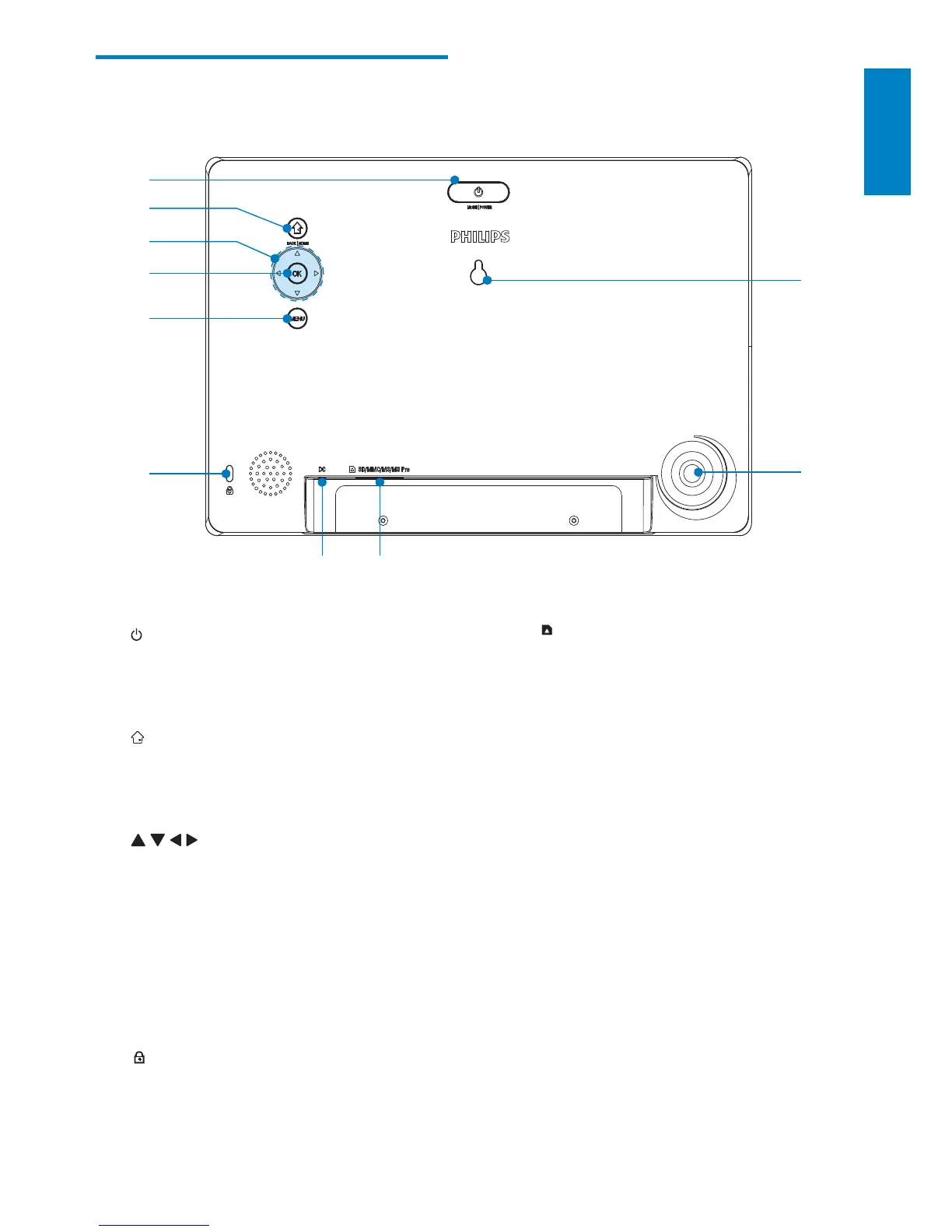
h SD/MMC/MS/MS Pro
Slot for an SD/MMC/MS/MS Pro •
card
i Stand hole
j Wall mounting hole
Overview of your
PhotoFrame
a
Press to switch mode: slideshow/•
clock/calendar
Hold to turn on/off the PhotoFrame•
b
Press to return to the previous step•
Press and hold to go to the home •
screen
c
/ / /
Press to select the upper/lower/•
right/left option
d OK
Press to play/pause slideshow•
Press to confirm a selection•
e MENU
Press to enter/exit a menu•
f
Kensington lock
g DC
Socket for the AC-DC power •
adaptor
j
d
a
c
b
e
f
g
h
i



 To Next Page