9
EN
Listen to FM Radio
1 Ensure that the device is switched on.
2 Press HOME.
3 Press FM TUNER on the remote control.
4 Press MENU.
5 Press
3 or 4, then 2 to select Autostore radio.
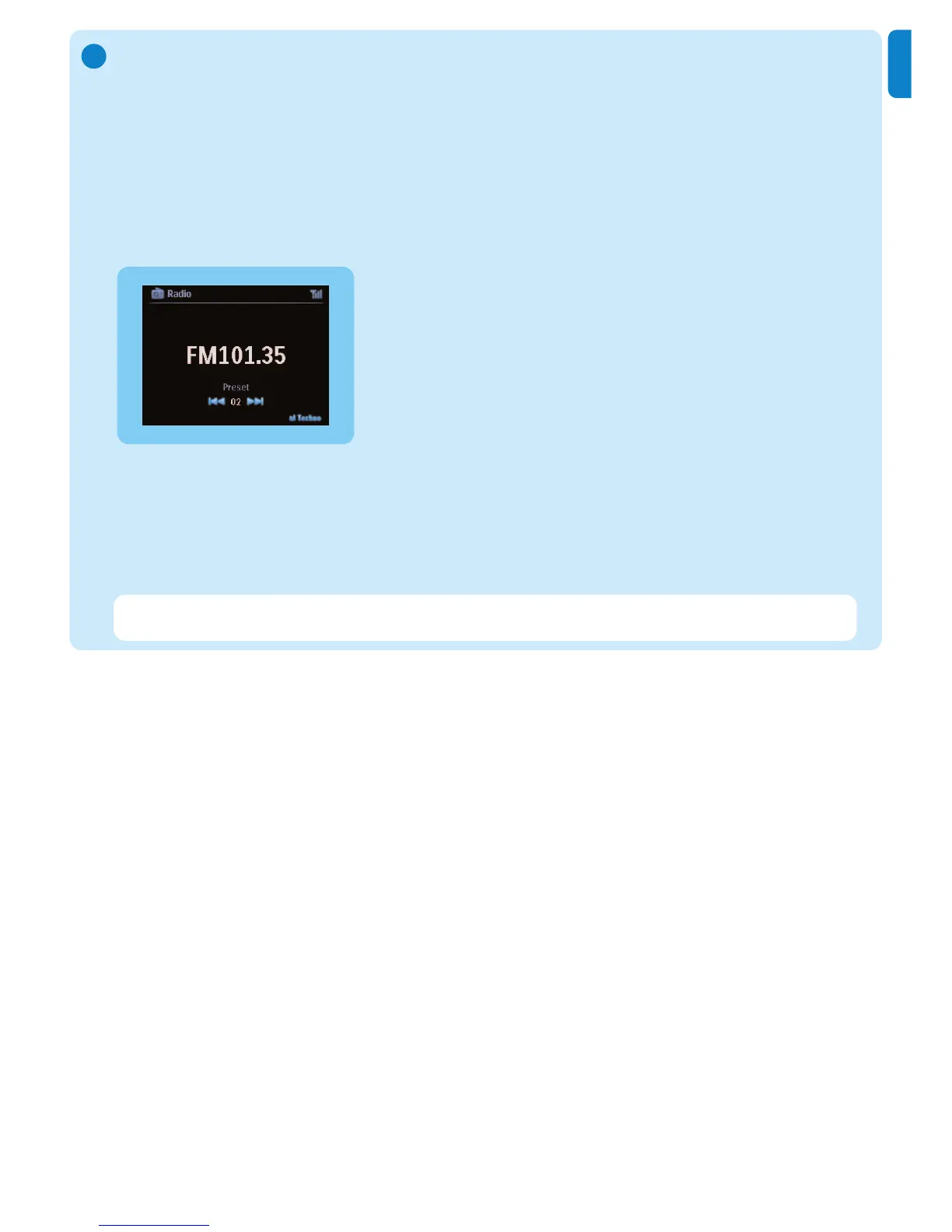
> When all available stations are stored, the first auto stored preset station plays.
You can store up to 60 preset radio stations in the memory (including a maximum of 10 RDS
stations).
When the radio plays, to directly switch from one preset station to another:
1 Press
J( or )K .
When the radio plays, to select a station from the list of preset stations:
1 Press
2.
2 Press 3 or 4, then 2 to select.
F
Tip When the radio plays, you can also record from the radio by pressing REC 0.















 To Next Page