11
EN
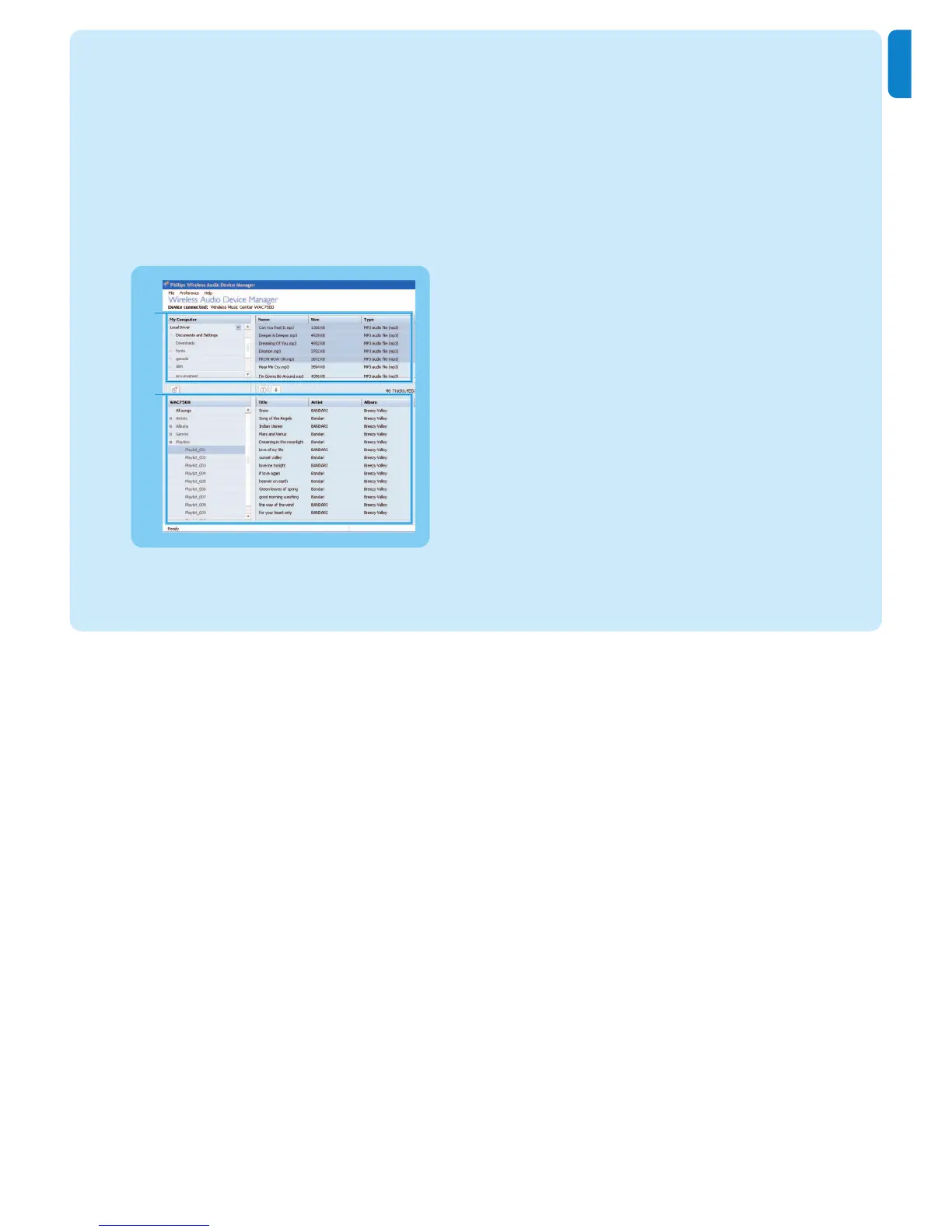
WADM - Wireless Audio Device Manager
Launch WADM:
1 Double click WADM icon on Desktop.
2 Select your Center from the list.
3 Click Connect now.
> You can transfer music from your PC to the Center.
Transfer music from your PC to the Center
1 Launch the WADM software.
2 On My Computer panel, click to highlight a desired file/folder
3 Drag selection to WACS7500 panel
4 While transferring, you can add more file/folder(s) to the transfer queue.
2
3















 To Next Page