Adjust the volume
0
+30
Max
Min
When adjusting the volume of the sound-
bar, the status indicator will show the
current volume from 0 to max 30.
Adjust the volume
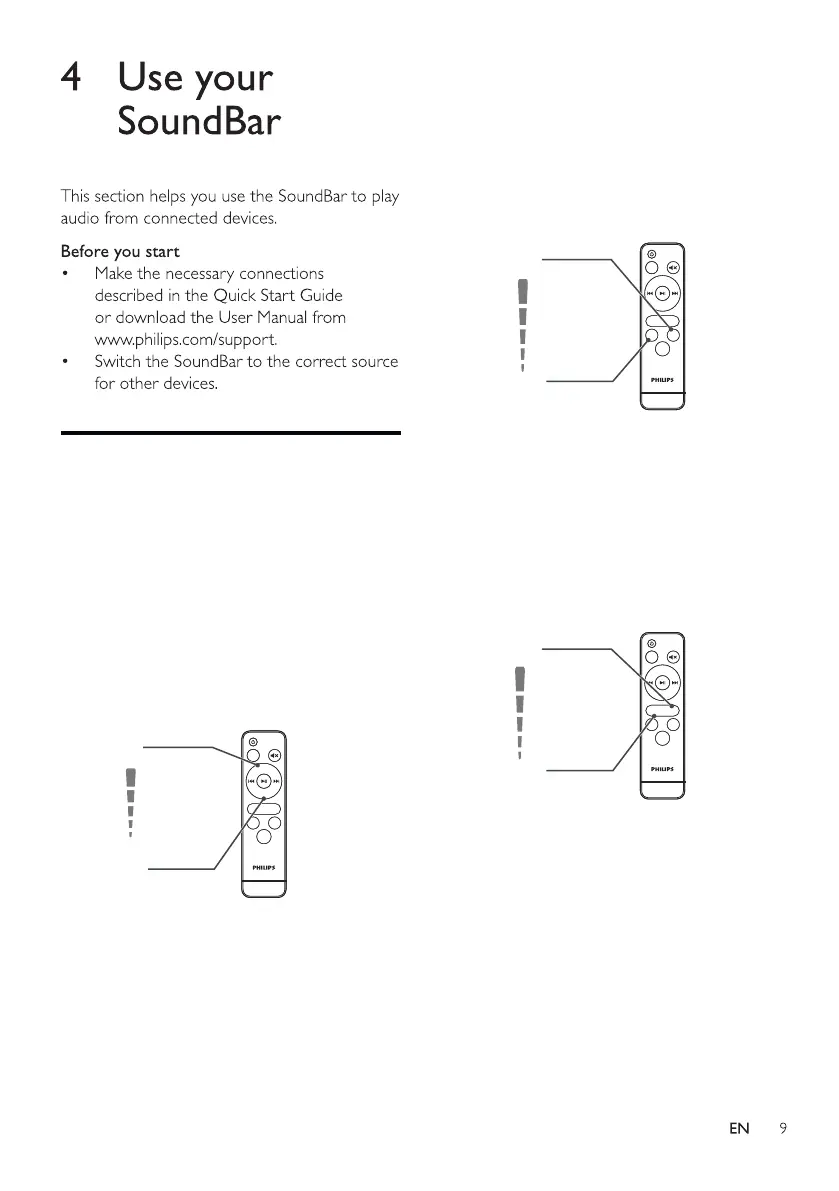
1 Press +/- on the soundbar or press
Vol+/Vol- on the remote control to
increase /decrease the volume level.
Input
Vol
+
Vol-
Tre
-
Bass
-
Bass
+
EQ
Tre+
bass
-5
bass
+5
-5
Treble
Treble
+5
Adjust the treble and bass
volume
2 Press Bass -/+ on the remote
control to increase/decrease
subwoofer’s volume.
3 Press Treble -/+ on the remote
control to increase/decrease
Treble’s volume.
Input
Vol
+
Vol-
Tre
-
Bass
-
Bass
+
EQ
Tre+
Input
Vol
+
Vol-
Tre
-
Bass
-
Bass
+
EQ
Tre+



 To Next Page