Need help?
Do you have a question about the Philips US2-PH61150 and is the answer not in the manual?
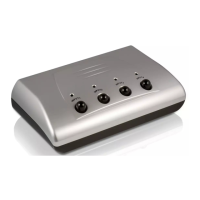
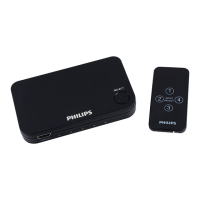
Lists items needed for setup, not supplied with the AV switcher.
Details how to connect video and audio sources and the output to the TV.
Explains how the MODE button toggles between automatic and manual modes.
Describes using the SELECT button to cycle through inputs in manual mode.
Details how the unit automatically searches for and selects the last active video signal.
Explains how to manually select input sources using the SELECT button.
Provides contact information for technical assistance via email.
Outlines the terms of the limited lifetime warranty for the product.
 Packaging Dimensions
| packaging width | 8 inch |
|---|---|
| packaging height | 15.5 inch |
| packaging depth | 5.6 inch |
Outer Carton Dimensions| outer carton length | 13 inch |
|---|---|
| outer carton width | 8.3 inch |
| outer carton height | 15.7 inch |
Outer Carton Weight| outer carton gross weight | 8.45 lb |
|---|---|
| outer carton nett weight | 8.39272 lb |
| outer carton tare weight | 0.05728 lb |
Weight| gross weight | 2.51278 lb |
|---|---|
| nett weight | 2.09818 lb |
| tare weight | 0.41461 lb |


 To Next Page