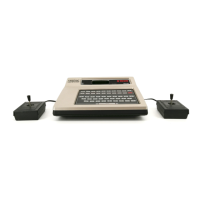
1. Select another game.
2. Select another Videopac. Remove existing Videopac by placing one hand next to it,
and pulling handle upwards. Replace Videopac in its box. Refer now to intructions
for use of the next Videopac.
3. Plug aerial back into TV, and unplug the Videopac Computer from the mains.
Check procedure
If you suspect a fault in the equipment follow this procedure (with a Videpac
installed). Press RESET. The TV w ill emit a short sound, and "SELECT GAME"
should appear on your TV screen. If not, ensure that the equipment is set up
properly as detailed in the Instructions for Use (both of the equipment, and of the
Videopac used). If the fault remains, take both the equipment and Videopac to your
dealer.



 To Next Page