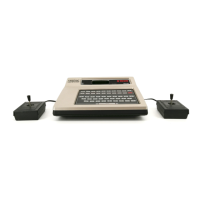
When RESET is pressed, all information entered will be erased.
Special characters for languages
The + - × ÷ = and CLEAR keys are reserved for special characters. (not used with
key 5).
A ÷ gives Ä, O × gives Ø, etc.
For reference
Enter interrupt time (or 00...., 80....) and message.
Run. Press any key to stop.
Enter text for time display.
Correct basic message using ENTER key.
After playing
Each time a game is finished press RESET. "SELECT GAME" is shown on the
screen. Now:



 To Next Page