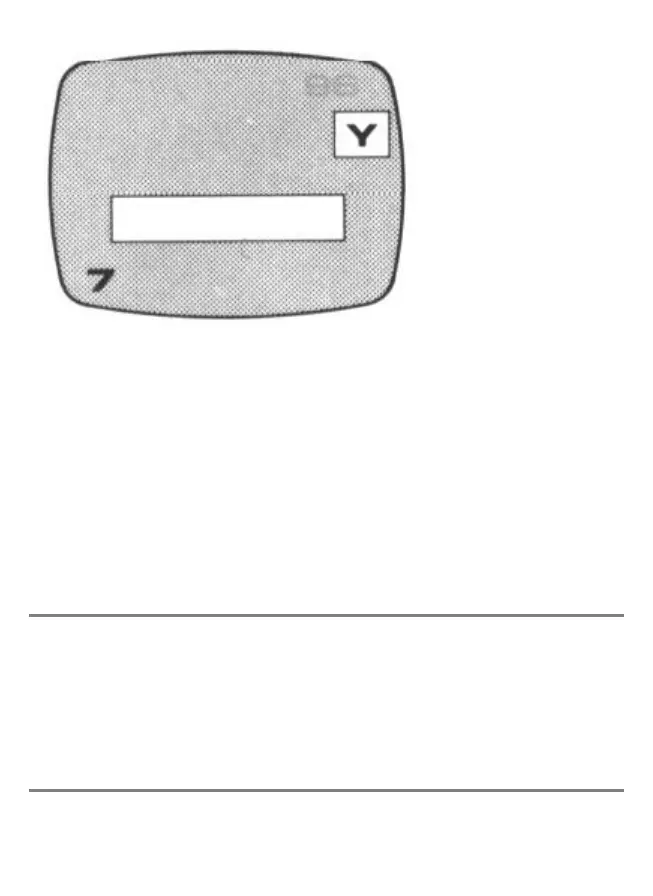
Key 7
The key can be used to correct mistakes in a message. A square is shown on the
screen, in which the message letters w ill be shown. Press the ENTER key
repeatedly until you reach the part to be changed, then enter the first new character.
Press ENTER and enter the next character, and so on. The computer will give a
buzz for each letter changed.
The basic message is displayed first, and the the interrupt message. When all
changes are made, use ENTER to step the character counter down to zero.
Note
When entering messages and times, you do not need to enter them in the above
order. Thus after entering the basic message (key 1), you can immediately change
the colour of the screen (key 6).
Important



 To Next Page