22
22
STILL PICTURE / SLOW MOTION ENGLISH
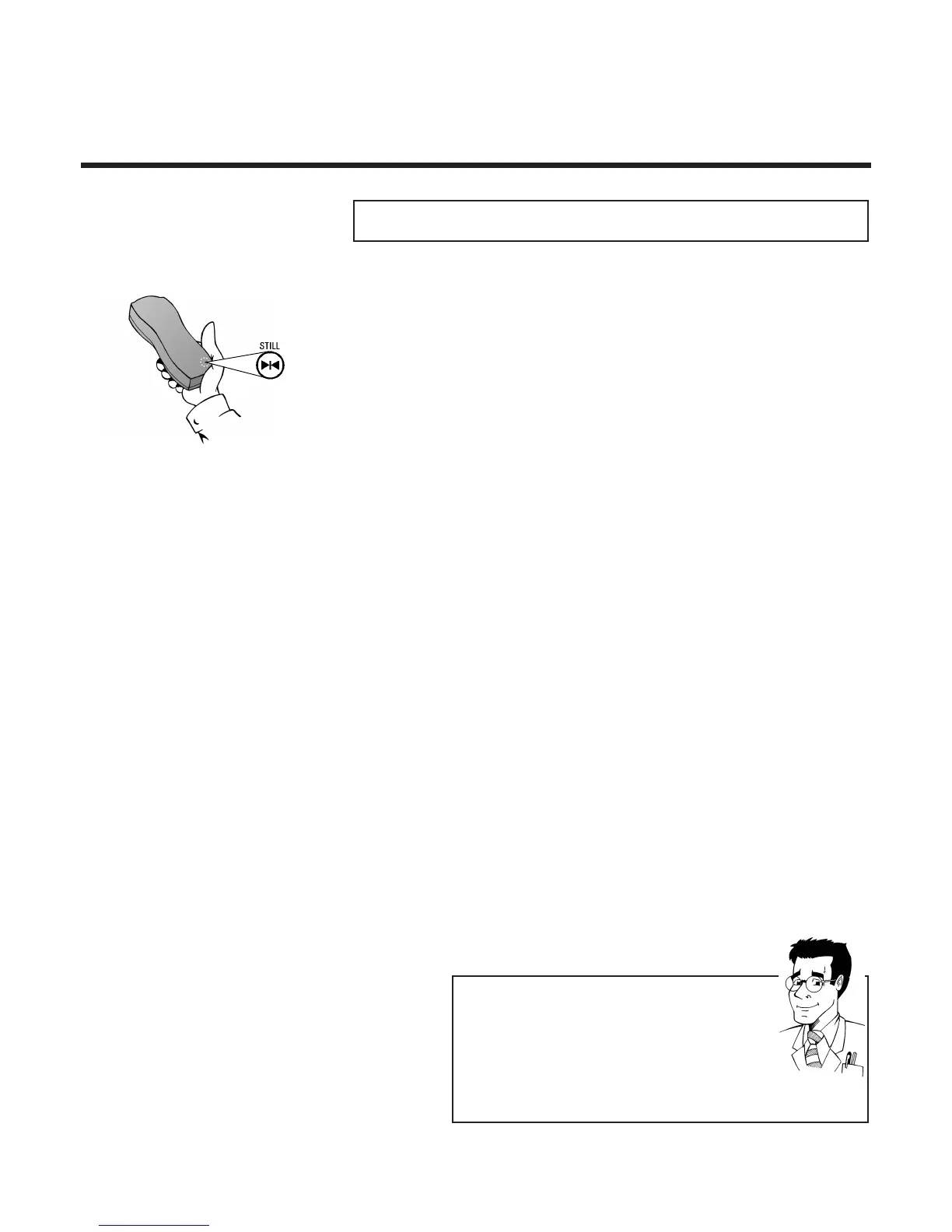
1 To stop the picture, press the Still button R
during playback
SSttiillll ppiiccttuurree // ssllooww mmoottiioonn
2 Keep R pressed down to play back the
picture in slow motion or press R several
times in succession in order to move the
picture forward frame by frame
FFOORR
EEXXPPEERRTTSS
PPllaayy ccoommppaacctt VVHHSS ccaasssseetttteess
You can, of course, also use this video recorder to play
back compact VHS cassettes. To do this, you will need
the appropriate cassette adapter. Its dimensions match
those of a normal VHS cassette. The adapter is
recognised and treated by the set as a VHS cassette.


 To Next Page