41
41
ENGLISH ENERGY-SAVING MODE
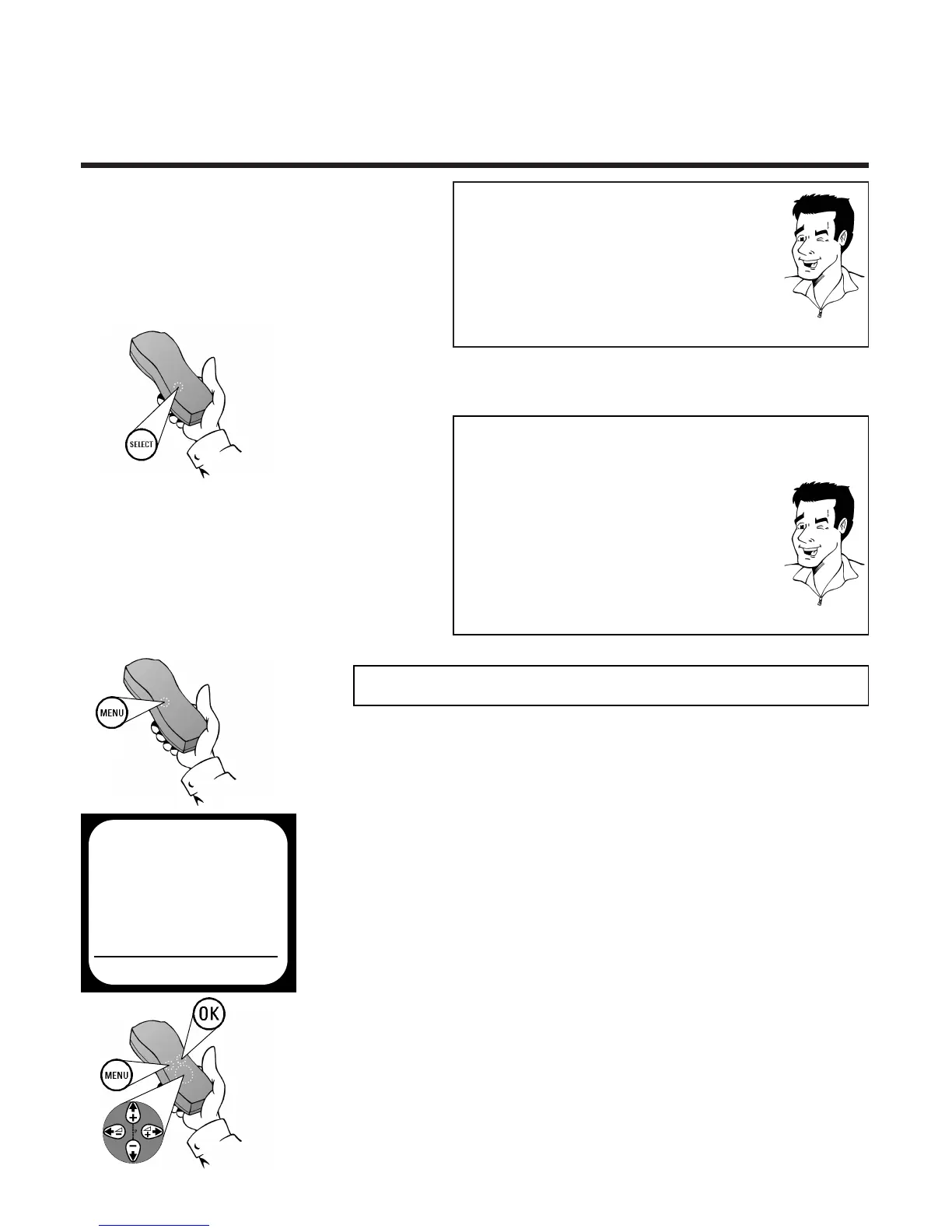
2 Press the
SSEELLEECCTT
button several times until
the desired setting can be seen on the screen
TTIIPP
WWhhaatt ggooeess oonn bbeehhiinndd tthhee sseettttiinnggss??
STEREO: Both left and right stereo sound tracks can
be heard
LEFT: The left stereo sound track can be heard
RIGHT: The right stereo sound track can be heard
MONO: The mono sound track can be heard
MIX: The mono sound track as well as the left and
right stereo sound tracks can be heard
TTIIPP
AAuuttoommaattiicc sswwiittcchh--oovveerr ttoo mmoonnoo
If no stereo signal is recorded on a video cassette, the
video recorder automatically switches over to the
MONO sound channel setting
MMaakkee dduubbbbiinngg aauuddiibbllee
When dubbing video recordings, the mono track is
recorded with a new sound signal.The original stereo
signal is retained. To make dubbing audible, you must
select the MIX or MONO sound channel setting.
1 Press the
MMEENNUU
button on the remote
control.The on-screen menu appears
2 Use
==PP--
or
;;PP++
to select the option SPECIAL
SETTINGS and confirm with
OOKK
4 Use
SS++ PP
or
QQSS--
to select the setting
ON or OFF and confirm with
OOKK
.The screen
will show the message STORED
3 Use
==PP--
or
;;PP++
to select the option CLOCK
DISPLAY
5 Complete the adjustment of the clock display
with the
MMEENNUU
button
EEnneerrggyy--ssaavviinngg mmooddee
To reduce the power consumption of the video
recorder you can switch the clock in the display of the
video recorder on or off as follows:
SPECIAL SETTINGS
OSD ON
CLOCK DISPLAY OFF
COUNTER QT.LEFTP
SAT RECORDING OFF
REPEAT PLAY OFF
OK


 To Next Page