12
To record while you’re away, follow step 1 — 9
below.
FOR EACH STEP BELOW, YOU NEED TO FINISH
WITHIN 60 SECONDS; OTHERWISE,
PROGRAMMING WILL HAVE TO BE RESTARTED
FROM STEP 1.
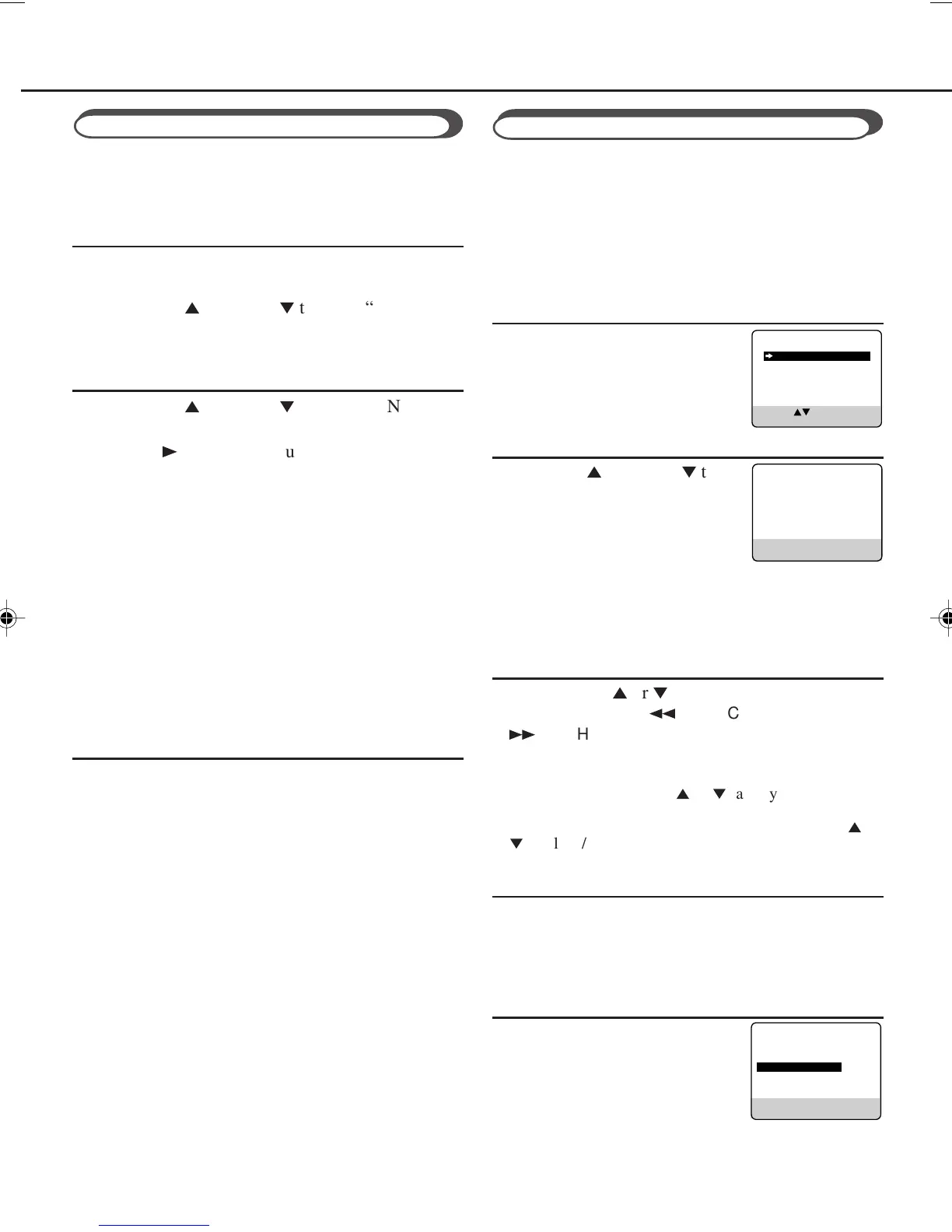
❍ Select Timer Mode
Press TIMER. The Timer
Recording menu appears.
❍ Select Programme mode
Press PLAY
5
or STOP
∞
to
select “QUICK PROGRAMM-
ING”, then press OK/STATUS.
The Quick Programming menu
appears.
• If you have already set 8 programmes, “ALL
PROGRAMS IN USE” appears and goes back to the
Timer Recording menu. If this happens, delete
unwanted programmes.
❍ Select Channel
Press VCR CH
5
or
∞
to enter the TV channel.
• You can also use the
1
REW/CH- and
¡
FF/CH+ on the front panel. However, press CH
before pressing these buttons. Otherwise, it functions as
REW or FF.
• Holding down VCR CH
5
or
∞
rapidly scans through
the channels.
• To record from external line input, press VCR CH
5
or
∞
until “A/V REAR” appears on the TV screen.
❍ Select Start Time
Press START + or – (Number button 1 or 4).
• Each time you press the button, the set time changes by
one-minute intervals. If you hold the button, the set
time changes by 30-minute intervals.
❍ Select Stop Time
Press STOP + or – (Number
button 2 or 5).
• Each time you press the button, the
set time changes by one-minute
intervals. If you hold the button,
the set time changes by 30-minute
intervals.
Using On-Screen Display
You can display the VCR operating status on the TV
screen.
❍ Select VCR Set Up Mode
1 Press VCR.
2 Press MENU.
3 Press PLAY
5
or STOP
∞
to select “VCR SET
UP” then press OK/STATUS.
❍ Select On-Screen Mode
1 Press PLAY
5
or STOP
∞
to select “ON
SCREEN MODE”.
2 Press FF
3
. Each time you press the button, the
setting changes.
ON:
When you press a tape running button (Stop,
Play, etc.), the VCR status appears for 5
seconds.
COUNTER:
When you press a tape running button, the VCR
operating status appears for 5 seconds.
After 5 seconds, the VCR status disappears
except the time counter.
OFF:
The VCR operating status does not appear even
if you press a tape running button.
❍ Finish Setting
Press MENU.
To display the VCR status on the TV screen
manually, press OK/STATUS. The VCR status
appears for about 5 seconds.
• If “ON SCREEN MODE” is set to “OFF,” no
VCR status appears though you press OK/
STATUS.
1
2
3
4
5
QUICK PROGRAMMING
PROGRAM REVIEW
SELECT: CONFIRM: OK
END: TIMER
ONE TIME PROGRAM
PROGRAM 1
CHANNEL+/–
START +/– – –:– –
STOP +/– – –:– –
REC SPEED SP
DATE +/– – –/– –/– –
DAILY: 8 WEEKLY: 9
CONFIRM: OK END: TIMER
– –
ONE TIME PROGRAM
PROGRAM 1
CHANNEL+/–
START +/– 20:00
STOP +/– 22:00
REC SPEED SP
DATE +/– – –/– –/– –
DAILY: 8 WEEKLY: 9
CONFIRM: OK END: TIMER
12
Timer Recording
1
2
3
407/55A5 01.10.2, 8:57 AM12



 To Next Page