SELECTING PICTURE SETTING ENGLISH
30
30
SSeelleeccttiinngg ppiiccttuurree sseettttiinngg ((SSmmaarrtt PPiiccttuurree))
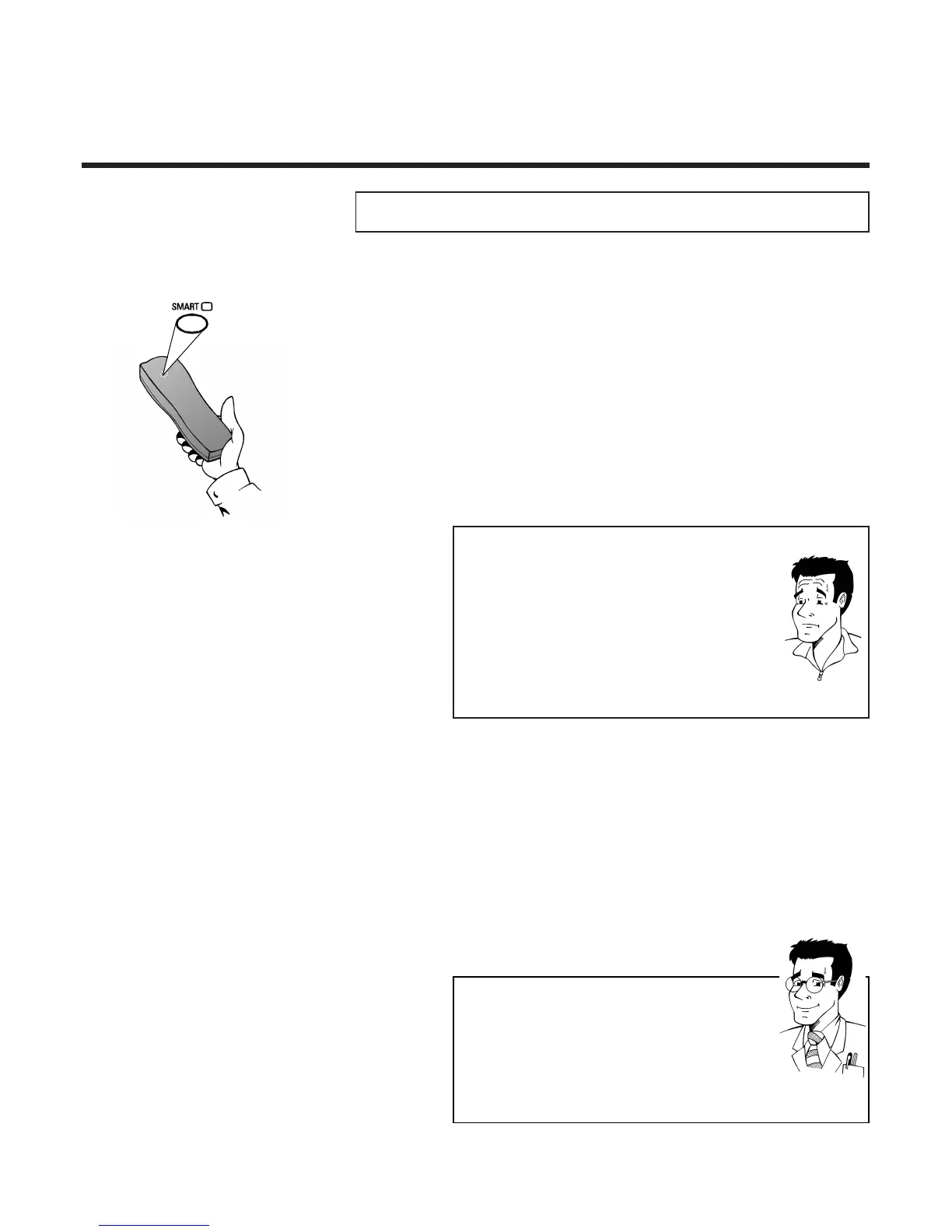
Using the button
SSMMAARRTT **
the picture settings can be
displayed and altered during playback. There are four different
settings available.
2 Press several times on the button
SSMMAARRTT **
to change the picture setting. Each time the
button is pressed, the next picture setting will
be displayed.
1 Press once on the button
SSMMAARRTT **
.
The current picture setting will be displayed
WWhhaatt ttyyppeess ooff ppiiccttuurree sseettttiinngg aarree aavvaaiillaabbllee ttoo mmee??
NATURAL : Standard setting
(for all types of films)
DISTINCT : Emphasises details
(e.g. for sports programmes)
SOFT : Suppression of interference
(when using rented cassettes)
SHARP: Increase in sharpness
(e.g. for animated films)
FFOORR
EEXXPPEERRTTSS
PPllaayy ccoommppaacctt VVHHSS ccaasssseetttteess
You can, of course, also use this video recorder to play
back compact VHS cassettes. To do this, you will need
the appropriate cassette adapter. Its dimensions match
those of a normal VHS cassette. The adapter is
recognised and treated by the set as a VHS cassette.
PP
AARRDDOONN
??
3 As soon as the button
SSMMAARRTT **
has not
been pressed for a few seconds, the last
selected picture setting will be accepted.



 To Next Page