43
Child lock
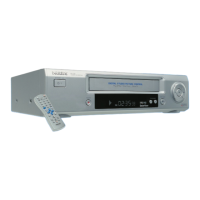
You can prevent unauthorised use of your video recorder with this function. When the child
lock is active, the buttons on the front of the device are blocked (will not function). You can
make programmed recordings while the child lock is on.
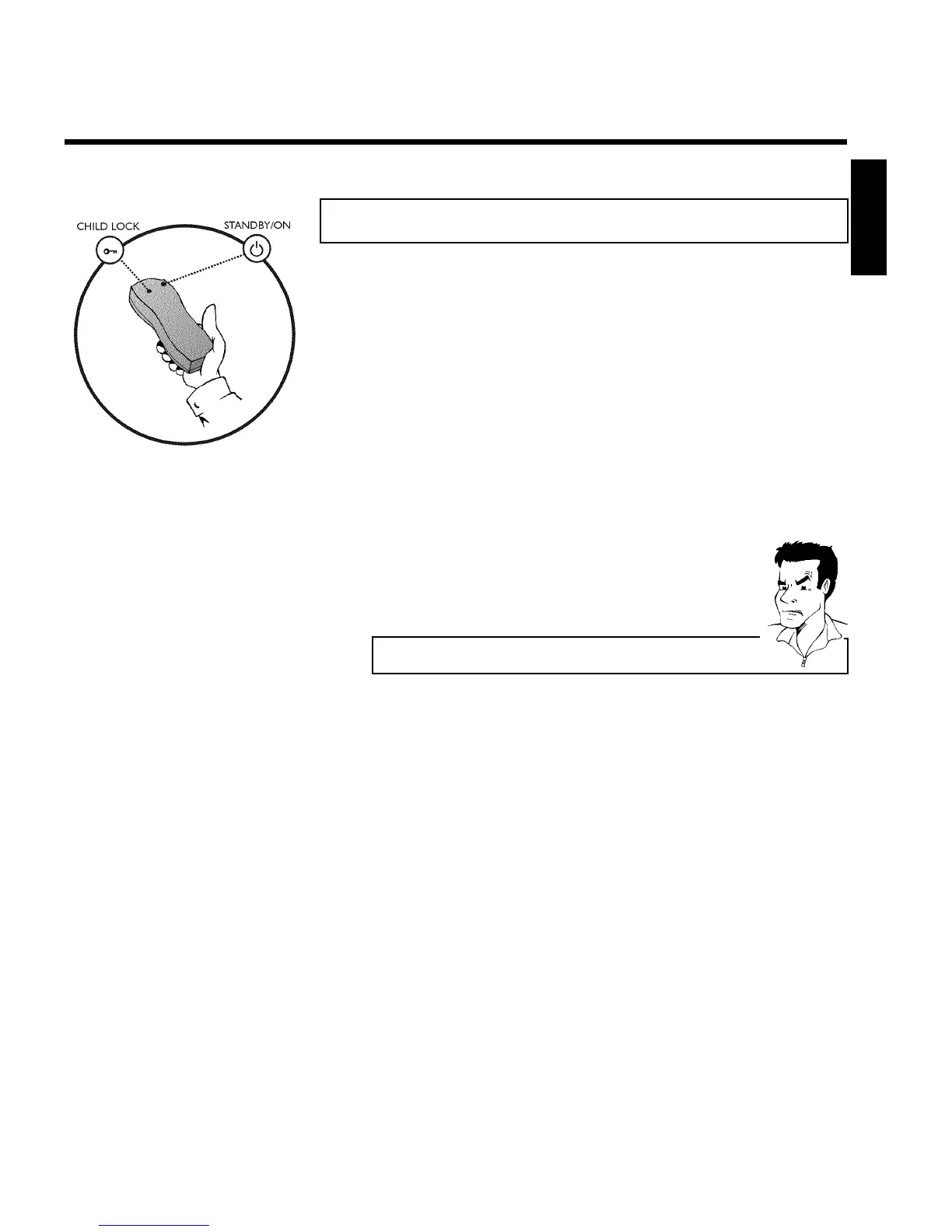
1 With the video recorder switched on, press CHILD LOCK u on
the remote control for five seconds.'{ ' will appear on the video
recorder display.
2 Put away the remote control somewhere out of reach of children.
3 If you want to switch off the child lock, press CHILD
LOCK u again for five seconds, with the video recorder switched
on. ' { ' will disappear from the video recorder display.
a ' { ' will flash in the video recorder display
b This symbol flashes when a button is pressed when the child lock is active.
ENGLISH
Other functions


 To Next Page